1
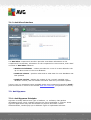
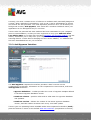
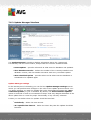
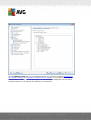
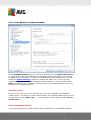
7.6.2. Update Manager Interface
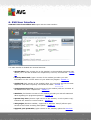
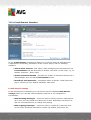
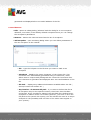
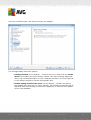
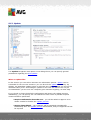
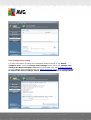
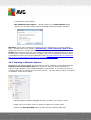
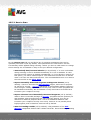
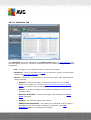
The Update Manager's interface displays information about the component's
functionality and its current status, and provides the relevant statistical data:
· Latest update - specifies when and at what time the database was updated
· Virus database version - defines the number of the currently installed virus
database version; and this number increases with every virus base update
· Next scheduled update - specifies when and at what time the database is
scheduled to be updated again
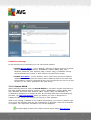
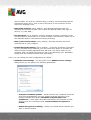
Update Manager settings
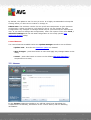
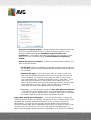
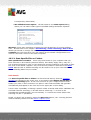
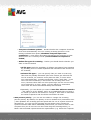
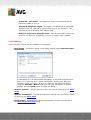
In the bottom part of the dialog you can find the Update Manager settings section
where you can perform some changes to the rules of the update process launch. You
can define whether you wish the update files to be downloaded automatically (Start
automatic updates) or just on demand. By default, the Start automatic updates
option is switched on and we recommend to keep it that way! Regular download of the
latest update files is crucial for proper functionality of any security software!
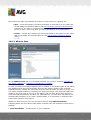
Further you can define when the update should be launched:
o Periodically - define the time interval
o At a specific time interval - define the exact day time the update should be
launched
A V G A nti- V irus Free E dition 2 0 1 1 © 2 0 1 0 C opyright A V G T ec hnologies C Z, s .r.o. A ll rights res erved.
43