1
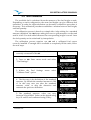
6- Depending on the first value measured by the
sensor the M1 can ask the user to confirm if tank
is really empty. In case “No” is selected the
calibration process is aborted.
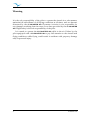
Tank Empty?
No
Yes
7- In this step M1 waits for a fuel quantity, equal
to the “standard measure” value, be added in the
tank. For example, if the standard measure value
is 100 cl, then 100 cl of fuel should be added in
the tank. After putting the fuel on tank it is
important to wait for the stabilization of the fuel
before selecting “Done” option.
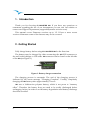
Waiting Measure
Done
Cancel
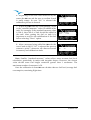
8- After a measure being added the M1 asks the
user if tank is full. If “No” is selected the process
returns to point 7, otherwise, all values are saved
in memory and calibrations ends.
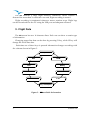
Tank Full?
No
Yes
Note: Smaller “standard measure” values allow more accurate fuel level
calculation, particularly in tanks with irregular shapes. However, the chosen
value should cause fuel height variations greater than 1 centimetre. The
maximum number of measures is 30.
Once the calibration is done M1 can calculate data as: fuel level; average fuel
consumption; remaining flight time.
21
Version 1.0