1
LQ-200CL
9.4. Camera control window
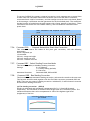
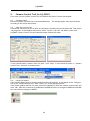
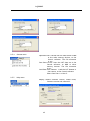
When the connection between camera and PC is completed, the camera control tool shows the
current camera settings.
9.5. LUT setting
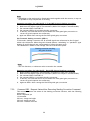
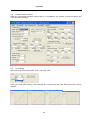
Open the drop-down menu under “LUT” and click “User”.
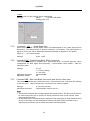
When you click “LUT setting”, the following four windows for NIR, Red, Blue and Green will be
opened.
40