1
Core Features
167
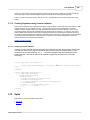
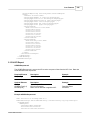
<script src="http://stats.clicktracks.com/cgi-bin/ctasp-server.cgi?i=abc123&e=9.99"
>
</script>
5.5.2.3
Track Revenue by Goal Page
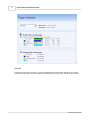
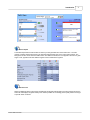
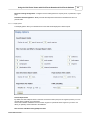
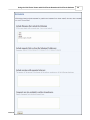
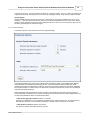
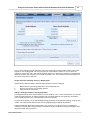
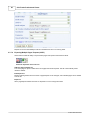
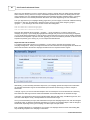
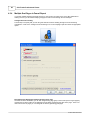
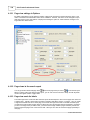
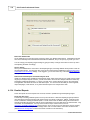
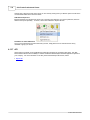
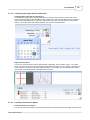
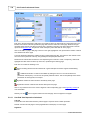
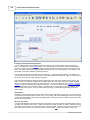
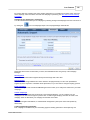
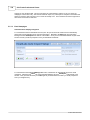
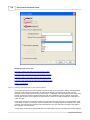
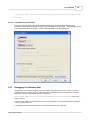
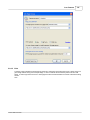
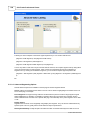
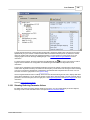
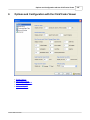
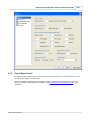
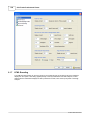
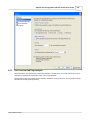
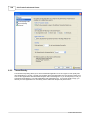
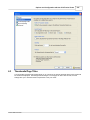
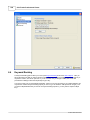
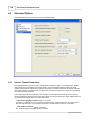
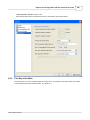
To track revenue by Goal Page, simply select the radio button on the Revenue Options menu.
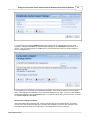
Determine a fixed amount to assign to every visitor who reaches the goal page. The goal page can be
any url that exists within the dataset - the list is pre-populated in the goal page menu.
5.5.3
Debugging Your Revenue Data
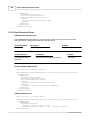
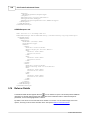
Integrating with your customer shopping cart can be complex. When things don't work, it can be very hard to
understand what's not working correctly. ClickTracks can be configured to generate a debug file for each new
transaction it records. Using RegEdit, open the following key:
HKEY_CURRENT_USER\Software\ClickTracks\ClickTracks\Settings\TraceRevenue and set the
registry value to 1
The file will help debug how ClickTracks sees the revenue and whether it's correctly interpreting decimal places,
currency symbols, and so on.
The debug file is placed in the same directory as the clicktracks.exe file in Program files.
© 2001-2008 ClickTracks