1
Activating Portable Wi-Fi hotspot
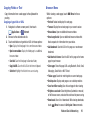
Activate your phone’s Portable Wi-Fi hotspot application to
allow other devices to use your phone’s internet connection.
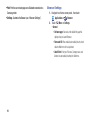
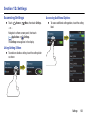
Menu ➔ Settings.
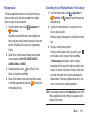
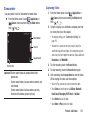
1. From the Home screen, touch
The Settings screen appears.
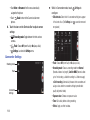
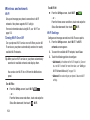
2. Under Wireless and network, touch More... ➔ Tethering
➔ Portable Wi-Fi hotspot.
Connecting a Device via Portable Wi-Fi Hotspot
Use the other device’s Wi-Fi control to connect to your
phone’s Portable Wi-Fi Hotspot.
1. Activate Portable Wi-Fi Hotspot on your phone. For
more information, see “Activating Portable Wi-Fi
hotspot” on page 128.
2. Activate Wi-Fi on the other device, using that device’s
Wi-Fi control.
3. Scan for Wi-Fi hotspots, and select your phone from
the list. To find your phone’s name, see “Configuring
Portable Wi-Fi hotspot” on page 161.
4. At the prompt, enter your phone’s Portable Wi-Fi
Hotspot password.
By default, the password is your phone’s telephone
number. For information on changing your phone’s
Portable Wi-Fi Hotspot password, see “Configuring
Portable Wi-Fi hotspot” on page 161.
128