1
My Local Profile
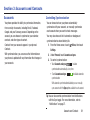
My local profile is your own contact record, listed under ME
in Contacts. You can send My local profile as a vCard via
Bluetooth or as an attachment.
Creating My Local Profile
1. From the Home screen, touch
Contacts.
2. Under ME touch Set up profile.
3. Enter your information in the contact fields. For more
information, refer to “Adding Contacts” on page 41.
Sending My Local Profile
You can send your profile as a vCard via Bluetooth to other
Bluetooth devices, or as an attachment.
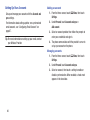
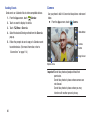
1. From the Home screen, touch
Contacts.
2. Touch your profile to display your contact information.
3. Touch
Menu, then touch Share namecard via.
4. Choose a sending method, then follow the prompts to
send the profile.
Joining Contacts
Your phone can synchronize with multiple accounts,
including Google, Corporate, and other providers, plus social
networking sites like Facebook. When you synchronize
contacts from these accounts with your phone, you may have
multiple contacts for one person.
Joining contact records allows you to see all the contact’s
numbers and addresses together. Joining also helps you
keep your contacts updated, because any changes to
information in the respective accounts is automatically
updated the next time you synchronize with the account.
Joining contacts
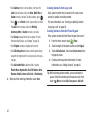
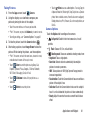
1. From the Home screen, touch
Contacts.
2. Touch a contact to display its information.
Menu, then touch Join contact. A list of
3. Touch
available contacts appears.
4. Select a contact to join to the displayed contact. The
joined contact appears.
Accounts and Contacts
45