1
User Manual
QuantorMed+
TM-721-EN
⑧
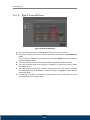
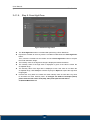
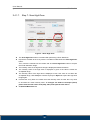
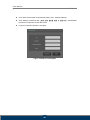
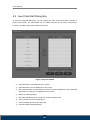
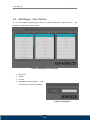
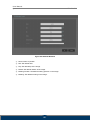
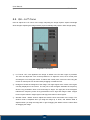
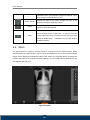
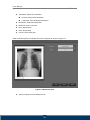
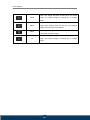
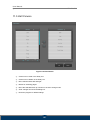
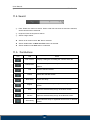
Study List: Shows the list of selected studies.
⑨
Image List: Shows images selected in the Study List. To not export a certain image,
click and unselect the image.
⑩
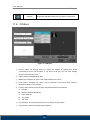
Select All: Select all images.
⑪
Unselect All: Unselect all images.
⑫
Anonymize: Delete patient name and ID when saving as DICOM images.
⑬
Close: Close the dialog box.
⑭
Abort: Stop recording.
⑮
Burn: Start recording.
88