1
User Manual
QuantorMed+
TM-721-EN
5. New Study
5.1. Screen Layout
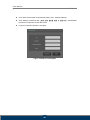
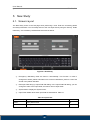
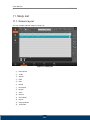
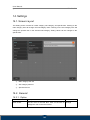
The New Study screen is the first page when performing a scan. Enter the necessary patient
and study information. You can easily switch to the next input field by using the Tab key. Fields
marked by * are mandatory DICOM fields that must be filled in.
③
②
①
④
⑤
⑥
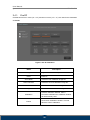
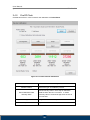
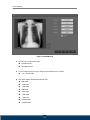
Figure 5.1 New Study
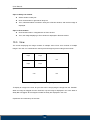
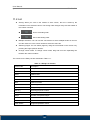
①
Emergency: Mandatory fields are filled in automatically. This function is used in
emergencies where patient information has not been identified to perform a scan first
and fill in the patient data later.
②
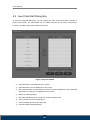
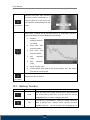
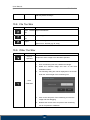
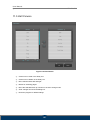
Edit Input Field: Bring up Input Field Edit dialog. In the Input Field Edit dialog, you can
change the order of the input fields, and add or remove input fields.
③
System Menu: Display the System menu.
④
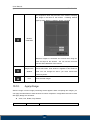
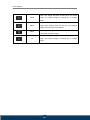
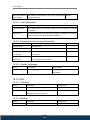
Input Field: Details about each input field are described in Table 5.1.
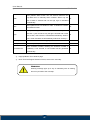
Table 5.1 Input Field
Title
Description
Mandatory
Name
Enter patient name.
O
ID
Enter patient ID.
O
46