1
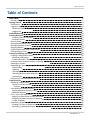
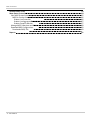
Table of Contents
Table of Contents
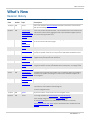
What's New
Revision History
Getting Started
Entitlements
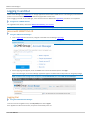
Logging In and Out
Access with SMART Click ID
Logging Out
Limits Monitoring
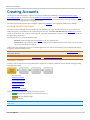
Creating Accounts
Creating ClearPort Accounts
Account Creation
Account Setup
Setting Market Permissions
Setting Permissible Products
Assigning Brokers
Confirming Account Setup / Information
Setting Account Limits
Viewing and Editing Accounts
Creating Trading Sub Accounts
Additional Information:
Creating Omnibus / Non-Omnibus account.
Creating a New Account Based on an Existing Account
Deleting an Account
Downloading / Uploading Account Information
Downloading
Updating
Uploading Bulk Account Information
Uploading Bulk Accounts (Alternate)
Upload Errors
Restricting Trader Administrator Access
Credit Controls
Modifying Product Limits
Options Limit Calculations
Example:
User Maximum Quantity Limits
Setting Maximum Quantity Limits
Additional Options
Firm / User Price Band Limits
Apply Price Band Limits to Users and Firms
Assign Price Band Limits with a Template
Create Template
Download / Upload User Clip Sizes
Viewing Clip Sizes via Download
Specifying / Updating Maximum Clip Sizes via Upload
5
5
9
9
11
11
11
12
13
13
13
14
17
18
19
20
21
23
26
27
27
28
29
30
30
31
32
33
34
35
36
38
39
39
40
40
43
44
45
46
48
49
49
51
User Manual - 3 -