1
PPS OVERVIEW
Accessing Inquiry Functions of the PAR
IDER -- Earnings Distributions
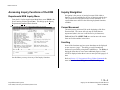
Departmental PAR Inquiry Menu
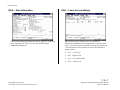
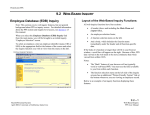
From the SC On-line Applications Main Menu, enter IDPR in the
Next Function field and press Enter. This brings up the Inquiry
Departmental Payroll Record Menu function.
INQUIRY DEPARTMENTAL PAYROLL RECORD MENU FUNCTION.
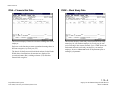
IDER allows the user to view detailed earnings information
recorded on the specified Payroll Audit Record. Earnings detail is
presented in the sequence processed during the compute.
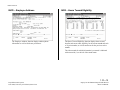
On this Menu you may select the Earnings Distributions function
or Employee Browse function.
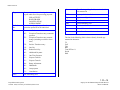
Nature of Information: IDER displays identification information
regarding the pay cycle and employee. Earnings detail includes
information related to the employee's distributions and the
appointment to which the distribution(s) apply. Information
related to pay includes appointment pay rate, hours on pay status,
percent time, and gross pay.
1.10—13
Payroll/Personnel System
October 1998, University of California, Santa Cruz
Inquiry for the EDB and Payroll Audit Record
PPS User Manual