1
HandyTech
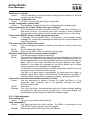
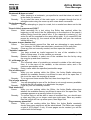
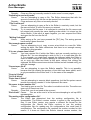
Active Braille
Table of Contents
ElektronikGmbH
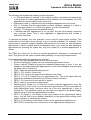
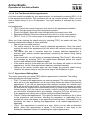
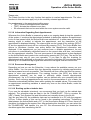
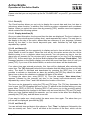
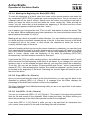
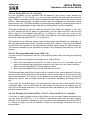
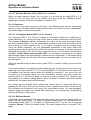
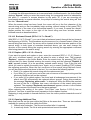
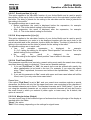
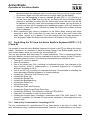
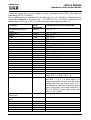
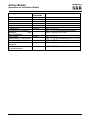
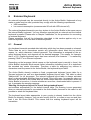
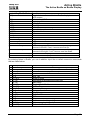
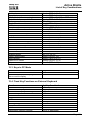
Table of Contents
1
2
3
4
5
GENERAL
1.1
Preface
1.2
Active Braille at a Glance
1.3
Conventions Used in This Manual
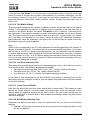
INSTALLATION
2.1
Package Contents
2.2
Software Installation
2.3
Connecting the Power Supply
2.4
Connecting the Interface Cable
2.5
Connecting a external USB keyboard
2.6
The Carrying Case
2.7
Installation of the Bluetooth Tie-In
2.7.1
Bluetooth-PC Tie-In
2.7.2
Bluetooth Apple iOS Device Tie-In
2.7.3
Bluetooth-Cell Phone Tie-In
2.8
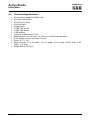
Technical Specifications
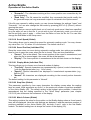
START UP
3.1
Version Information
3.2
Turning the Power On
3.3
Basic Operation
3.3.1
Chords
3.3.2
Signal Tones
3.3.3
System Messages
3.3.4
Check Boxes
3.3.5
Radio Buttons (1 of x)
3.3.6
System Files
3.3.7
Energy Saving Features
3.3.8
The SAVE Mode
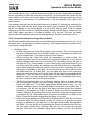
QUICK START
4.1
The Active Braille as Braille Display
4.2
The Active Braille as Notepad
4.2.1
Navigating the Menu
4.2.2
Writing a Note
4.2.3
Saving a Note
4.2.4
Opening a File
4.2.5
Transferring data between the Active Braille and a PC
4.2.5.1
Transferring a File from the Active Braille to the PC
4.2.5.2
Transferring a File from the PC to the Active Braille
OPERATION OF THE ACTIVE BRAILLE
5.1
The Menu System
5.1.1
File (F)
5.1.1.1
New file
5.1.1.2
Previous file
5.1.1.3
New Folder
5.1.1.4
File and Folder list
5.1.2
Calculator (A)
7
7
7
9
10
10
10
11
12
12
12
13
13
14
14
15
16
16
16
17
17
17
17
18
18
18
18
19
20
20
20
20
21
21
21
22
22
22
23
23
23
23
23
24
24
26
Page 2