1
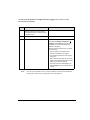
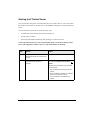
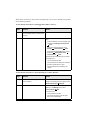
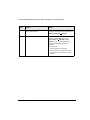
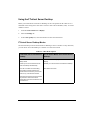
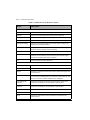
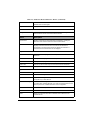
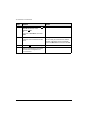
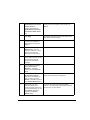
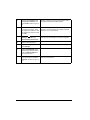
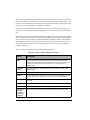
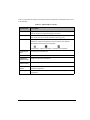
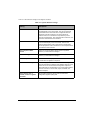
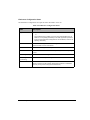
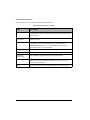
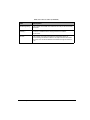
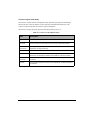
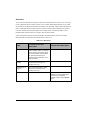
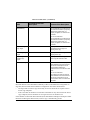
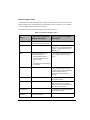
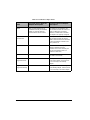
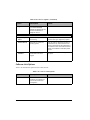
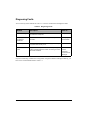
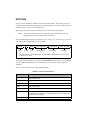
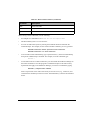
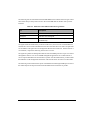
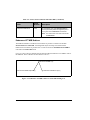
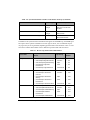
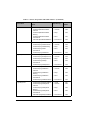
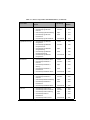
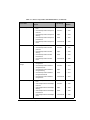
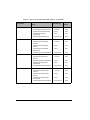
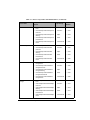
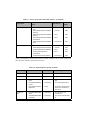
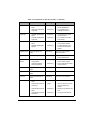
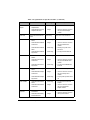
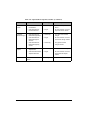
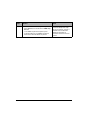
Table 6-1 MTCCONS Parameters (Continued)
Parameter
Description
-width
Screen buffer width
interval
Integer from 0 to n
flag
True = on; False = off
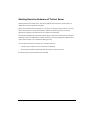
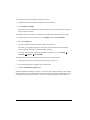
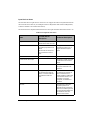
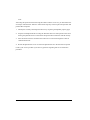
When issuing console commands, note the following:
•
An example of a command line is MTCCONS Show CS1.SCP Computer Names
•
The MTCCONS syntax is not case sensitive.
•
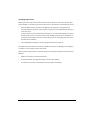
You can use abbreviated syntax by entering the minimum characters that make the
command unique. For example, for the CoServer Enable command, you can type either:
MTCCONS CoServern Enable Operation From CoServerx
MTCCONS CoServern E O From CoServerx
•
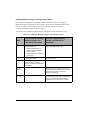
To access MTCCONS command help, type a question mark (?). General command help
and specific command help is available. For example, to list all commands, type:
MTCCONS ?
•
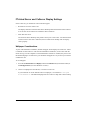
To run MTCCONS on a remote workstation, you must install the Endurance Manager on
the remote workstation. Once the program is installed and subject to the same security
requirements that apply to the Endurance Manager, you execute a command by typing:
MTCCONS \\computername command
where computername is the name of the node you want to access (e.g., CoServer1) and
command is the command you want to execute. The backslashes (\\) must be entered where
shown.
Endurance Tools
6-3