1
Connecting With A QuickConnect Code
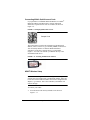
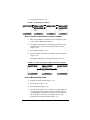
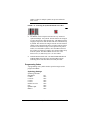
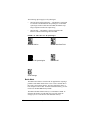
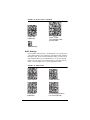
If you purchased a CodeXML Bluetooth Modem or a Belkin®
Bluetooth adapter from Microscan or from an authorized
distributor, a QuickConnect code was included, as shown in
Figure 1–9.
FIGURE 1–9.
Sample QuickConnect Code
Sample Code
The QuickConnect code has the information of the Bluetooth
address (often a reference to go to the BD_ADDR) of that device.
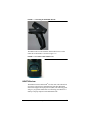
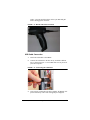
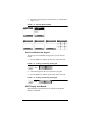
You can usually find the 12-character Bluetooth address
somewhere on the device near the device’s serial number
(Figure 1–10). This code will link your HE45T directly to the
desired Bluetooth device.
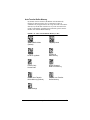
FIGURE 1–10.
Locating the Bluetooth Address
HE45T Wireless Setup
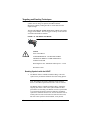
Note: While installing the Bluetooth Configuration Manager
software that was included with your Bluetooth adapter, make sure
to note the Virtual COM Port number the software assigned for the
adapter (e.g. COM 10). This is the COM Port your HE45T will
connect through.
To connect your reader:
1.
6
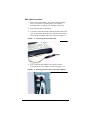
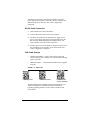
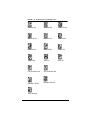
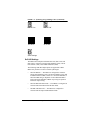
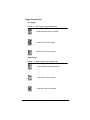
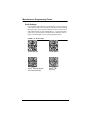
Scan the Reset to RF Factory Defaults code shown in
Figure 1–11.
HE45T Quickstart Guide
Rev 2.0.0, Jan 2009