1
all.book
50 ページ
2004年6月22日 火曜日 午後12時1分
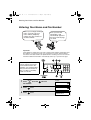
Storing and Using Auto-Dial Numbers
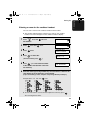
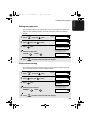
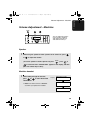
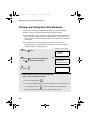
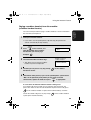
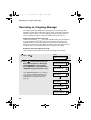
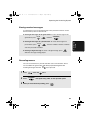
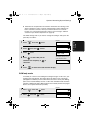
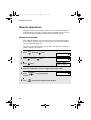
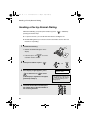
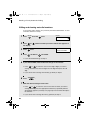
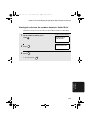
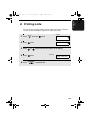
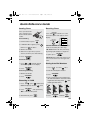
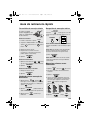
Dialing an auto-dial number
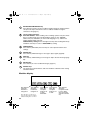
Cordless handset display:
1
Press
2
Press
SELECT SEARCH
▲: COMMON
▼: PRIVATE
Example: Common book selected
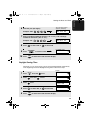
or
3
SEARCH once.
to select the Common book,
COMMON DIAL
▲▼: SEARCH
FUNCTION: ENTRY
to select the Private book.
Press
or
until the number you wish to dial appears in the
display.
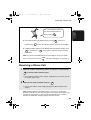
4
Press
TALK
.
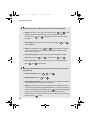
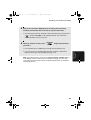
• If “WHICH LINE?” appears in the display, press 1
2
to select line 1 or
to select line 2.
ABC
• The number is automatically dialed.
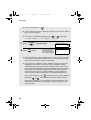
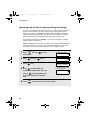
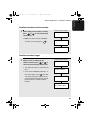
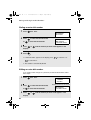
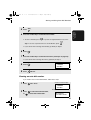
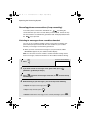
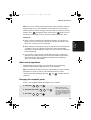
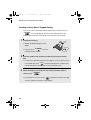
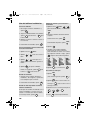
Editing an auto-dial number
If you need to make changes to a previously stored auto-dial number, follow
these steps:
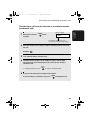
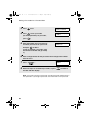
Cordless handset display:
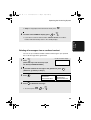
1
Press
2
Press
to select the Common book,
to select the Private book.
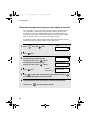
Press
display.
50
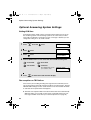
SELECT SEARCH
▲: COMMON
▼: PRIVATE
Example: Common book selected
or
3
SEARCH once.
or
COMMON DIAL
▲▼: SEARCH
FUNCTION: ENTRY
until the number you wish to edit appears in the