1
.
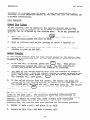
Installation
IMI 66-031
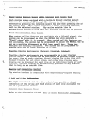
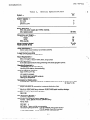
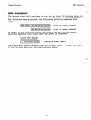
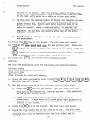
VOICE PAIR: 45 OHMS TYPICAL (40 OHMS MIN.--150 OHMS MAX.)
DATA PAIR: 45 OHMS TYPICAL (40 OHMS MIN.--150 OHMS MAX.)
,
.?
Readings which are outside of the above range indicate a
possible wiring or station problem.
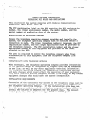
2.
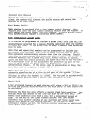
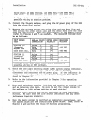
Connect the 250pair cables, and plug the AC power plug of the KSU
into the electrical outlet.
3.
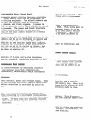
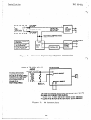
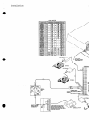
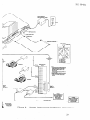
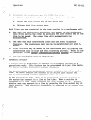
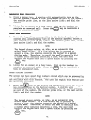
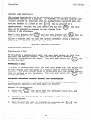
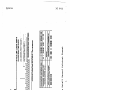
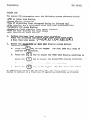
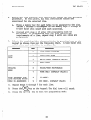
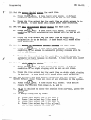
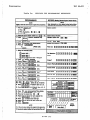
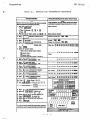
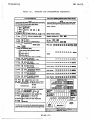
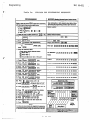
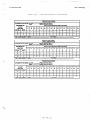
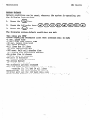
Measure the voltage across one voice line and one data line and
then across the other voice line and the other data line for each
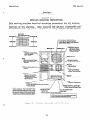
even and odd station. Make the measurements at the 66M-xx blocks
(refer to Figures 4 and 5 as needed). The measured voltage must
be as follows:
-1
each odd sta.
I
I
I
Readings other than those shown above indicate a
possible wiring or KSU problem.
4.
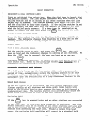
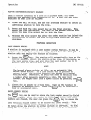
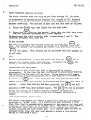
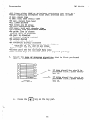
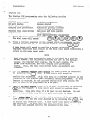
Check the red light emitting diode (LED) system status indicator.
Be sure that it is on steady. If it is off or flashing,
disconnect and reconnect the AC power plug. If the indicator is
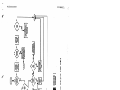
still not on steady, refer to the Failure Analysis Flow Chart
.
found in Chapter 5.
5.
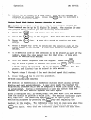
Refer to the information provided in Chapter 3 for operating
information.
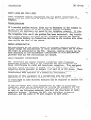
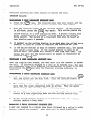
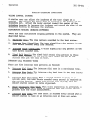
6.
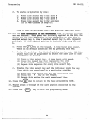
From each telephone station, initiate and receive an outside line
and an intercom line call. Be sure to set the ringer volume to
the medimum or high volume setting at each station.
7.
Exercise every feature and option available at each individual
station. Be sure that the line select indicators and any other
indicators function properly.
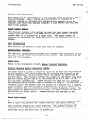
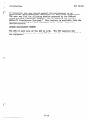
8.
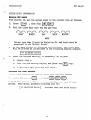
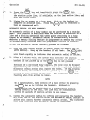
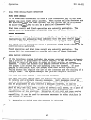
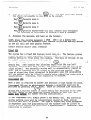
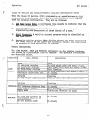
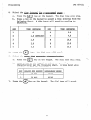
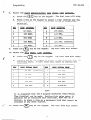
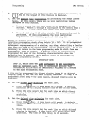
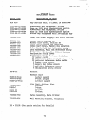
Once the basic system is 'verified as completely operational, set
the system clock per the instructions given below. Then, refer to
Chapter 4 and perform the Class Of Service programming.
30