1
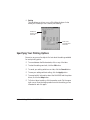
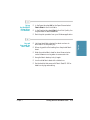
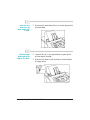
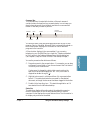
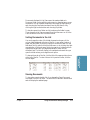
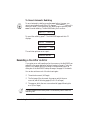
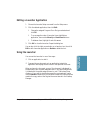
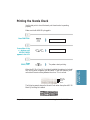
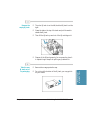
Keep the film
rolled up for
about five
minutes.
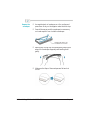
❍ You may want to fasten the roll with a small piece of tape.
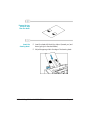
Canon’s High Resolution Paper HR-101
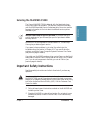
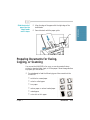
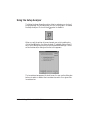
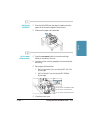
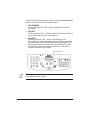
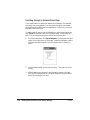
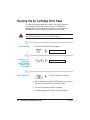
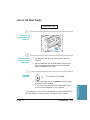
Using the Paper Output Guides
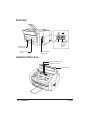
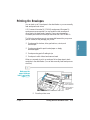
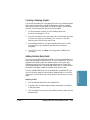
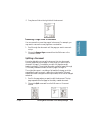
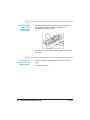
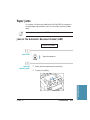
The output tray on your MultiPASS is equipped with paper output
guides. When using the optional BC-22e Photo BJ Cartridge or BC-29F
Neon BJ Cartridge to print on Canon’s High Resolution Paper HR-101,
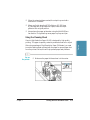
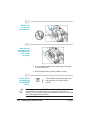
lift the paper output guides on both sides of the output tray.
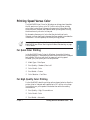
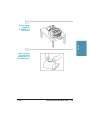
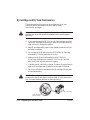
These guides help support the document as it exits the MultiPASS. The
guides keep the sheet from sagging as it exits and pulling through the
unit, which can lead to poor print quality.
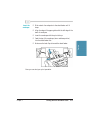
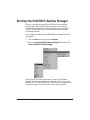
❍ Lift both paper output guides until they are vertical. Always lift both
output guides.
2-30
Printing With the MultiPASS C5500
Chapter 2