1
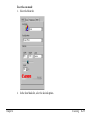
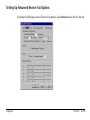
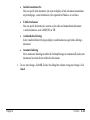
■ Telephone Attached to Unit
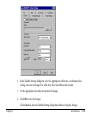
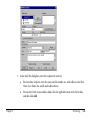
If you have a telephone connected to your MultiPASS, select this option. When selected,
you can use the Desktop Manager to dial a phone number and place a phone call with your
telephone.
When you select this option, the Phone command (in the File menu and toolbar) becomes
available in the Desktop Manager.
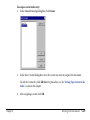
■ Volume
You can set the volume level of the various sound components of your MultiPASS, to best
suit your office environment.
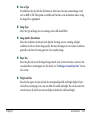
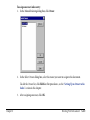
■ Color Copy Media
Click the type of paper you will be using in your MultiPASS to copy color images and
documents. This option enables your MultiPASS to optimize the quality of the copy
produced based on the type of paper being used.
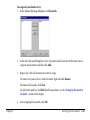
■ Bottom Margin
Click the size of the margin to be used on the bottom of your paper for printing color faxes
you receive. Selecting a smaller margin may ensure that the bottom edge of your fax prints
properly.
■ Print Activity Report
Select this option to have the MultiPASS automatically print an activity report after every
20 faxes sent and received. If this option is cleared, an activity report is not printed.
Chapter 6
Utilities
6-6