1
indigo powercore manual.book Page 84 Thursday, April 22, 2004 12:23 PM
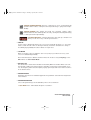
> Static: In Static mode, the audio signal is passed through the filters and effects sections,
but bypasses the amp envelope. This means that the signal can be heard continuously,
regardless of any keys played.
> To Effects: Use this mode if you wish to bypass the filter section and send the input signal
straight to the effects section of the Virus PowerCore. This mode does not reduce polyphony
NOTE: When in Dynamic or Static modes, the polyphony will be reduced by two voices.
NOTE: In both modes, the level of the external audio signal can be attenuated by the Osc Vol
control (Global Page).
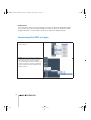
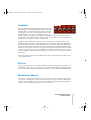
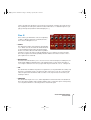
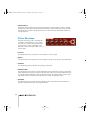
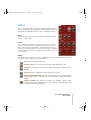
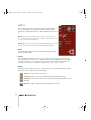
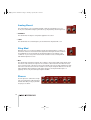
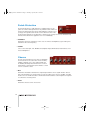
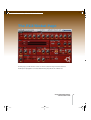
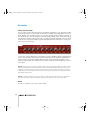
Envelope Follower
The envelope follower replaces the filter envelope with an
envelope that is dynamically controlled by an external audio
signal. In other words, the external audio signal is continuously monitored, and the peaks and troughs in the signal are
translated into data which can be used to control the levels
of other parameters. A typical application of this would be to use a drum-loop to modulate
the filter cutoff frequency of a pad sound.
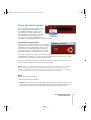
NOTE: See the chapter “Using the Audio Inputs” for instructions on how to route an audio
signal into the Virus PowerCore.
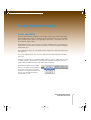
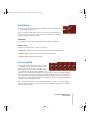
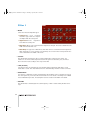
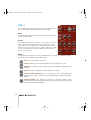
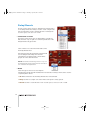
> MODE
Enables the envelope follower. If you are using multiple instances of the Virus PowerCore on
the same DSP, only one can use the envelope follower.
By default, the envelope follower modulates the cutoff frequency of filter 1 and filter 2, but
because it replaces the filter envelope, you will need to adjust Env Amt (Filter page) of one or
both filters to hear any effect. If you need the envelope follower to modulate another parameter, then use the Mod Matrix (see Mod Matrix page) and choose ‘Filter Envelope’ as the modulation source.
84