1
Resetting Bus Assignments
Copying Assignments Between Busses
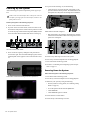
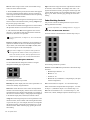
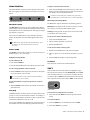
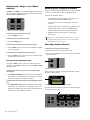
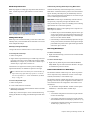
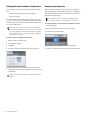
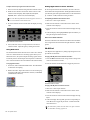
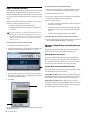
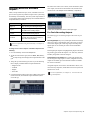
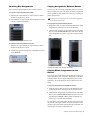
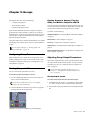
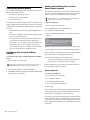
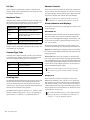
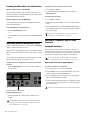
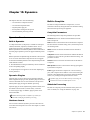
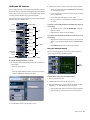
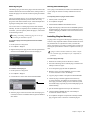
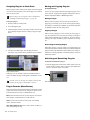
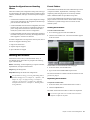
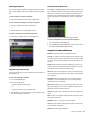
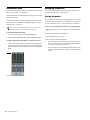
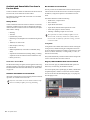
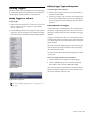
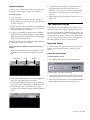
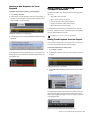
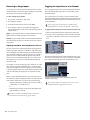
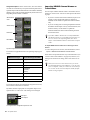
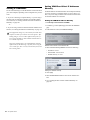
You can remove input assignments from a Group on-screen.
You can copy the current input assignments from one bus to another bus of the same type. If the busses are linked, assignments
can be copied from other linked busses. This lets you quickly duplicate monitor mixes.
To remove an input assignment from a bus:
1
Select the bus output channel you want to change so that its
members are displayed on-screen.
2
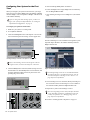
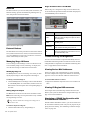
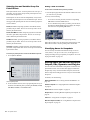
In the Members list, right-click the input assignment you want
to remove and choose Unassign.
Copying Aux bus assignments overwrites all the assignments
on the destination Aux bus.
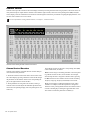
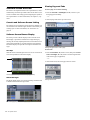
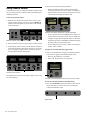
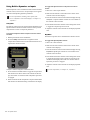
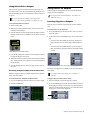
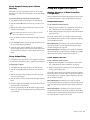
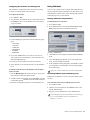
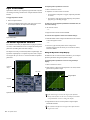
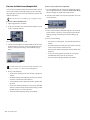
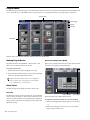
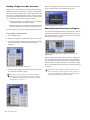
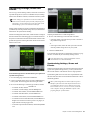
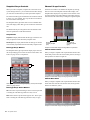
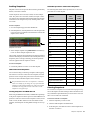
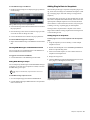
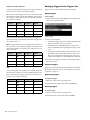
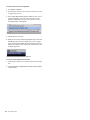
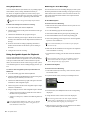
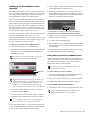
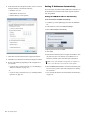
To copy input assignments between busses:
1
Target the bus that you want to be the destination of the copied
assignments by selecting its on-screen channel strip.
2
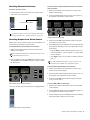
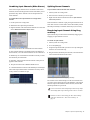
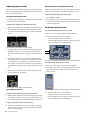
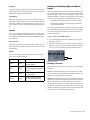
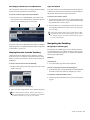
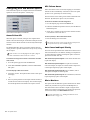
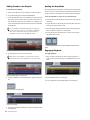
Click the Input Assign pop-up menu at the bottom of the Members list, choose Replace With Mix From, then choose the bus
whose assignments you want to copy to the currently selected
bus.
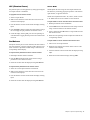
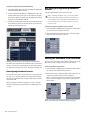
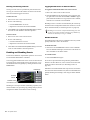
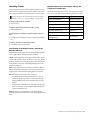
Removing an input assignments from a bus
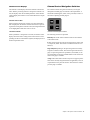
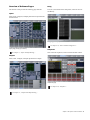
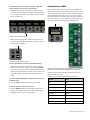
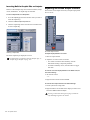
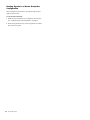
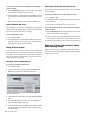
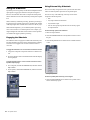
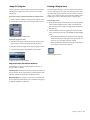
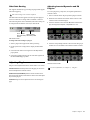
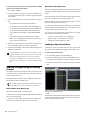
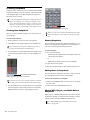
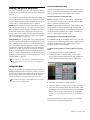
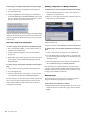
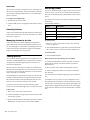
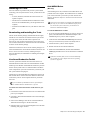
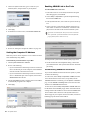
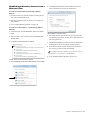
To remove all input assignments from a bus:
1
Select the bus output channel you want to change so that its
members are displayed on-screen.
2
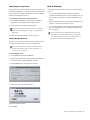
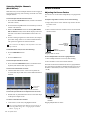
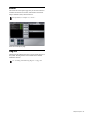
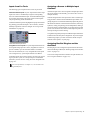
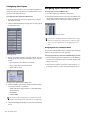
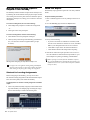
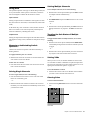
Click the pop-up menu at the bottom of the Members list and
choose Reset Mix.
Removing all input assignments from a bus
Copying input assignments between Aux busses
Copying Mains Assignments to Aux
Busses
You can copy the current Main bus assignments to Aux busses to
base monitor mixes from a main mix. Assignments to the Main
Left/ Right busses can be copied to linked Aux busses, and assignments to the Center/Mono bus can be copied to mono Aux
busses.
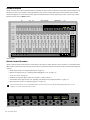
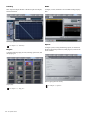
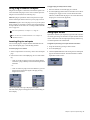
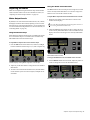
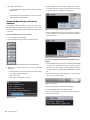
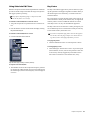
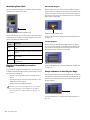
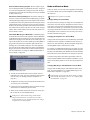
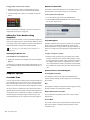
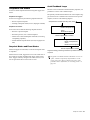
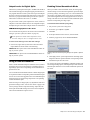
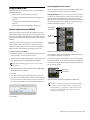
To copy bus assignments from the Mains to Auxes:
1
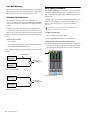
Target the Aux bus that you want to be the destination of the
copied assignments by selecting its on-screen channel strip.
2
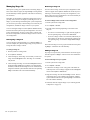
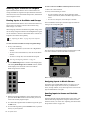
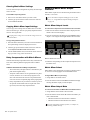
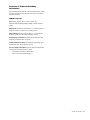
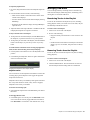
Click the Input Assign pop-up menu at the bottom of the Members list, choose Replace With Mix From, then choose the available Main bus (Left-Right or Mono) whose assignments you
want to copy to the currently selected bus.
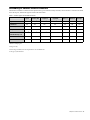
The state of the Aux controls follow the state of the corresponding controls on the Input Channels assigned to the Mains: Channel Mute maps to Bus Send, Channel Pan maps to Bus Pan, and
Channel Fader level maps to Bus Send level.
Chapter 8: Outputs and Output Routing 99