1
Chapter 4
Defining Output Format
4.3.2 CHANGE CODE ID
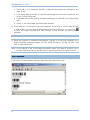
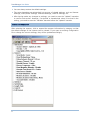
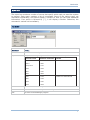
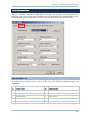
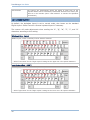
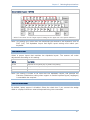
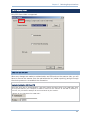
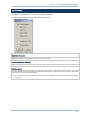
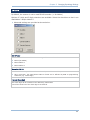
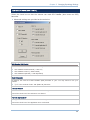
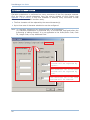
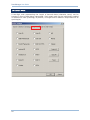
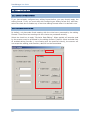
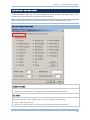
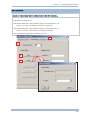
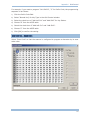
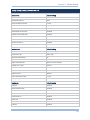
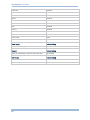
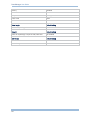
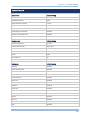
To modify the Code ID, click the field next to a symbology. Then, choose your Code ID
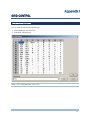
from the pop-up window of Grid Control (see Appendix I Grid Control).
Up to two characters for Code ID can be configured for each symbology.
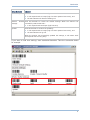
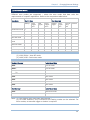
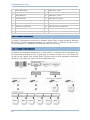
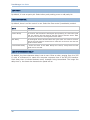
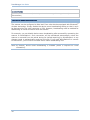
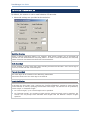
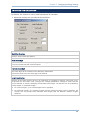
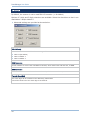
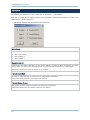
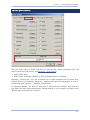
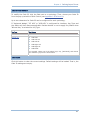
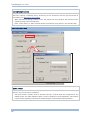
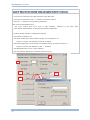
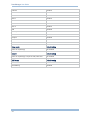
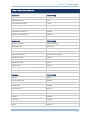
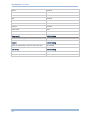
If "Keyboard Wedge", “BT HID” or “USB HID” is configured for interface, Key Type and
Key Status will then become applicable. Decide whether or not to apply Key Status when
“Normal Key” is selected for Key Type.
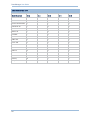
Key Type
Key Status
Scan Code
N/A
Normal Key
Add Shift
Add Left Ctrl
Add Left Alt
Add Right Ctrl
Add Right Alt
Add Break
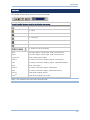
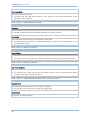
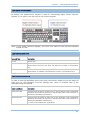
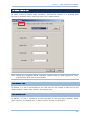
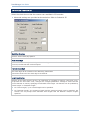
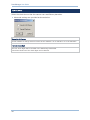
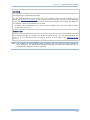
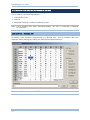
For example, select one of the above keys, say, [Add Shift], and choose
the character [A] from the Grid Control.
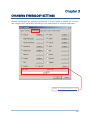
4.3.3 CLEAR
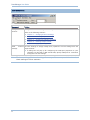
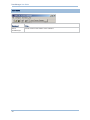
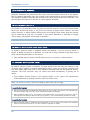
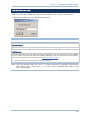
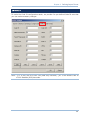
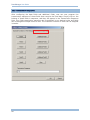
Click this button to clear the current settings. Default settings will be loaded. That is, the
Code ID settings are empty.
61