1
Modules
Wireless Device
Operation Aboard
Aircraft
6
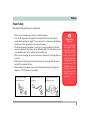
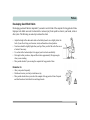
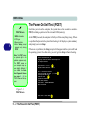
The use of any portable
electronic transmission devices aboard aircraft is usually prohibited. Make sure
the module(s) are OFF if
you are using the computer
aboard aircraft.
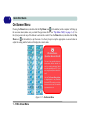
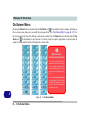
Use the On-Screen Menu
button to toggle power to
the WLAN module, and
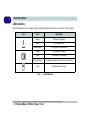
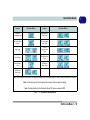
check the menu icon to see
if the module is powered on
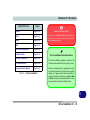
or not (see Table 1 - 4, on
page 1 - 19).
Wireless LAN Module
Before installing the WLAN module driver use the On-Screen Menu button
to power ON (the default setting is OFF) the WLAN module (see “On-Screen
Menu” on page 1 - 18). Make sure you install the drivers in the order indicated in
Table 4 - 1, on page 4 - 3.
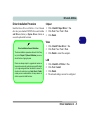
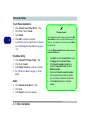
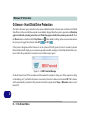
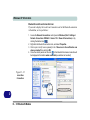
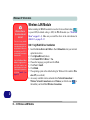
802.11b/g Driver Installation
1. Insert the Device Drivers & Utilities + User’s Manual disc into your external optical device drive.
2. Click Option Drivers (button).
3. Click 1.Install WLAN Driver > Yes.
4. Choose the language you prefer and click Next.
5. Click Next > Install.
6. Click Finish.
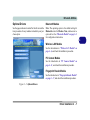
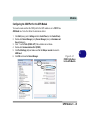
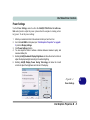
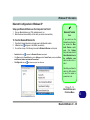
Note: The operating system is the default setting for Wireless LAN control in Windows Vista (see overleaf).
6 - 6 Wireless LAN Module