1
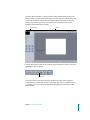
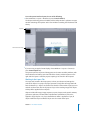
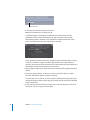
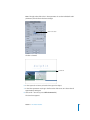
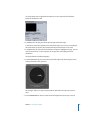
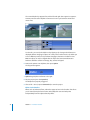
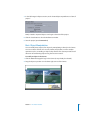
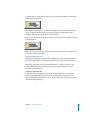
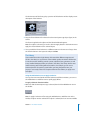
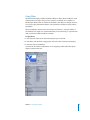
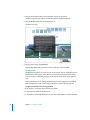
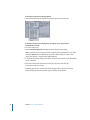
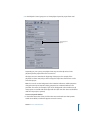
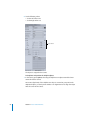
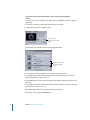
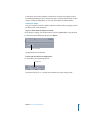
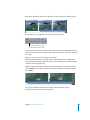
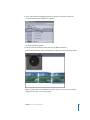
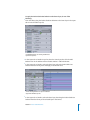
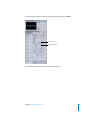
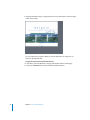
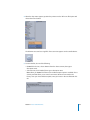
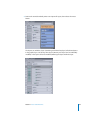
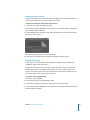
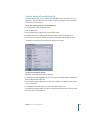
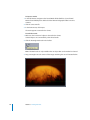
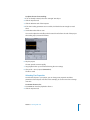
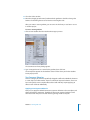
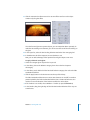
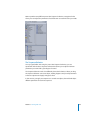
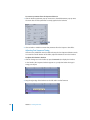
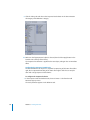
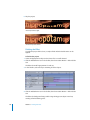
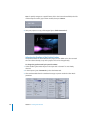
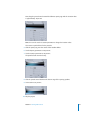
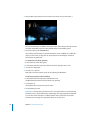
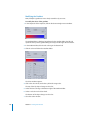
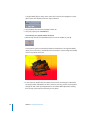
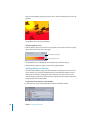
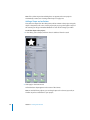
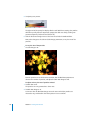
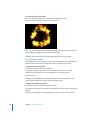
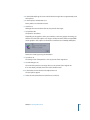
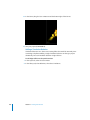
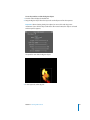
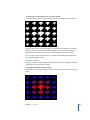
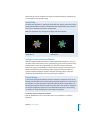
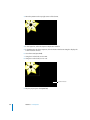
3 In the Canvas, drag the emitter to the left until it is completely off-screen, using the
screenshot below as a guide.
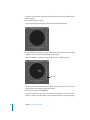
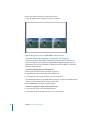
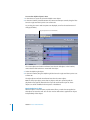
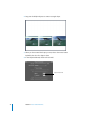
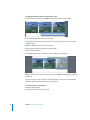
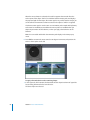
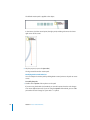
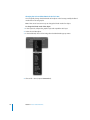
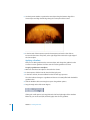
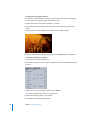
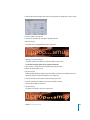
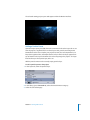
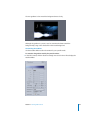
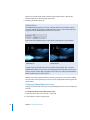
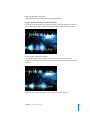
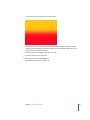
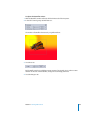
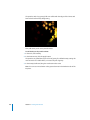
4 Play the project to see the result.
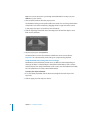
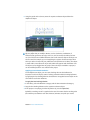
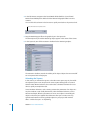
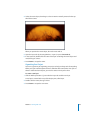
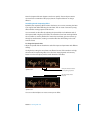
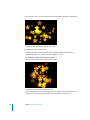
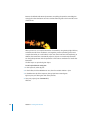
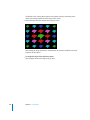
Notice that some of the butterflies disappear before exiting the Canvas on the right
side. Change the Life parameter so the butterflies remain visible.
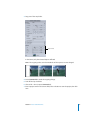
5 Stop playback.
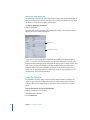
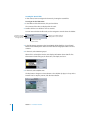
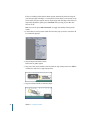
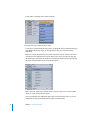
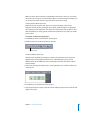
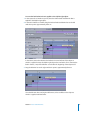
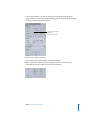
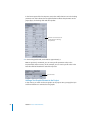
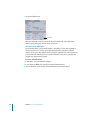
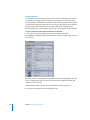
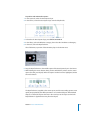
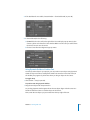
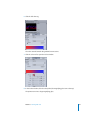
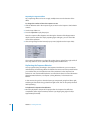
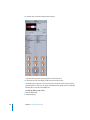
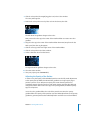
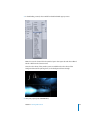
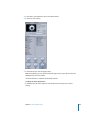
6 In the Emitter tab of the Inspector, set Life to 8.
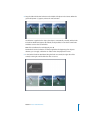
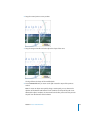
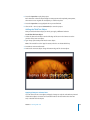
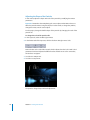
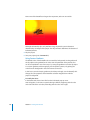
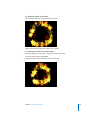
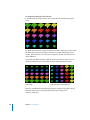
7 Play the project.
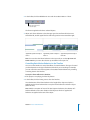
The butterflies now all remain visible.
8 Save your project (press Command+S).
All done!
Exercise 3: Using a Shape as a Particle Cell Source
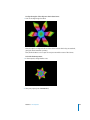
This exercise demonstrates how a particle emitter can be used to generate an exciting
element that can be used in a more complex project. Start with a simple shape as the
particle cell source, then create and customize the particle system.
Throughout this exercise, experiment with the various parameter values suggested to
get a feel for the effect of each parameter.
Creating a New Project
Create a new project for this lesson.
To create a new project:
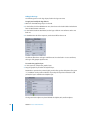
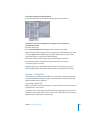
1 Choose File > New (or press Command+N).
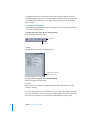
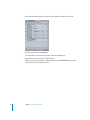
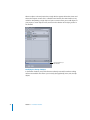
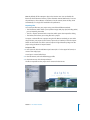
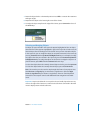
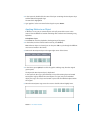
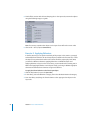
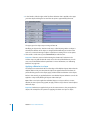
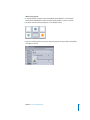
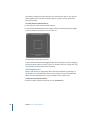
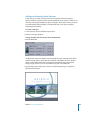
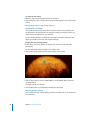
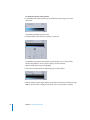
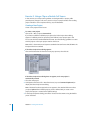
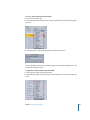
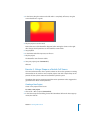
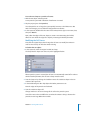
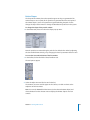
2 In the Select Project Preset dialog, choose NTSC Broadcast SD from the Preset pop-up
menu, then click OK.
Tutorial 4 Working With Particles
191