1
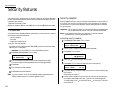
Advanced features
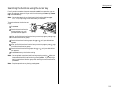
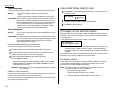
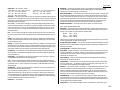
Storing fax documents with the Macro key
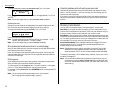
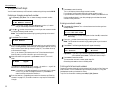
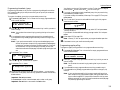
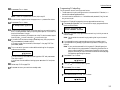
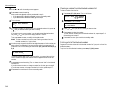
Setting the speed for Macros
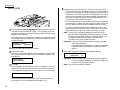
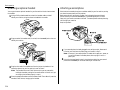
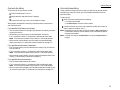
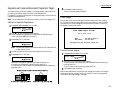
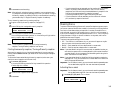
To store a fax document for either polling or F-Code polling using a Macro key:
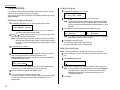
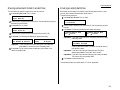
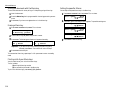
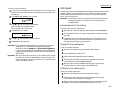
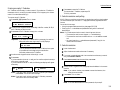
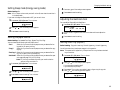
You can adjust the speed of one step in the Macro key.
1
2
3
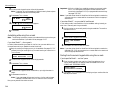
1
Insert the document.
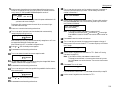
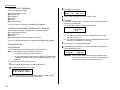
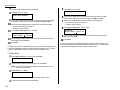
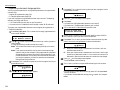
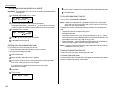
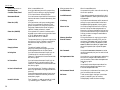
Macro Speed
2
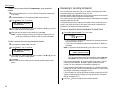
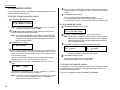
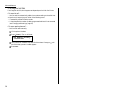
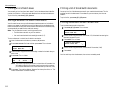
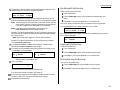
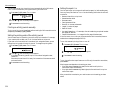
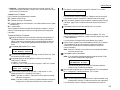
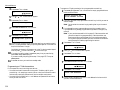
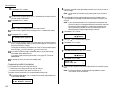
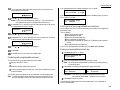
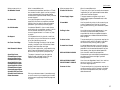
Press MACRO PROGRAM twice, ENTER. The LCD shows:
Press ENTER. The following two displays will appear alternately:
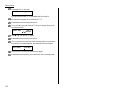
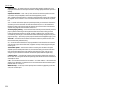
Erase Macro
No → Cancel
Important: If you want to quit without erasing the Macro key you’ve
selected, press CANCEL. The machine will return to step 2.
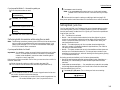
4
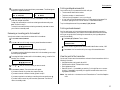
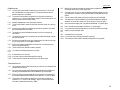
Press ENTER to erase the job.
To erase another Macro key, repeat steps 2–4. Or press STOP to return to standby
mode.
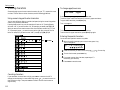
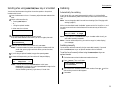
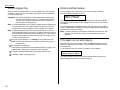
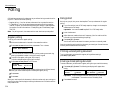
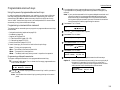
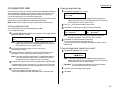
Printing a list of your Macro keys
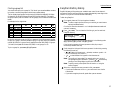
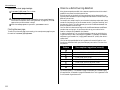
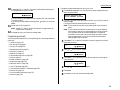
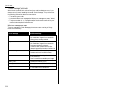
Your fax machine can print a list of the Macro keys.
The list includes:
(1) each key’s Macro key number
(2) the name of the job stored in the Macro key
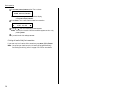
To print a list of Macro keys, press MENU, 5, 1, 1, 6, ENTER.
3.18
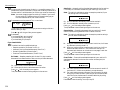
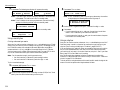
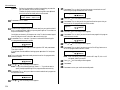
until the mode you want appears. The possible settings are:
Macro Speed
:Norm
Macro Speed
:Slow
Macro Speed
:Fast
$/#/Enter
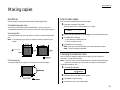
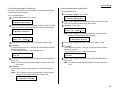
Press the Macro key (M1, M2 or M3) you want to erase.
Erase Macro
Yes → Enter
or
$/#/Enter
Select Macro Key
M1:Activity journal
2
3
Press
$/#/Enter
Erasing a Macro key
1
:Norm
$/#/Enter
Press the Macro key that is programmed for the storing operation you want
to use.
Press ENTER, if you have not registered ENTER in the Macro key.
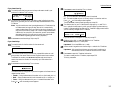
Press MACRO PROGRAM three times, ENTER. The LCD shows:
3
Press ENTER to save the setting.