1
Beyond the Basics
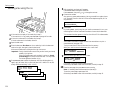
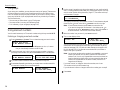
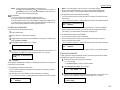
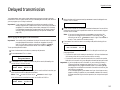
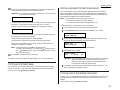
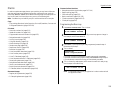
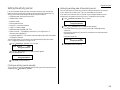
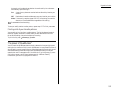
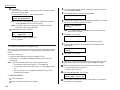
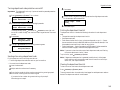
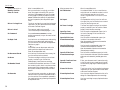
To use DRD on your fax machine:
1
Contact your phone company to make sure it has set up DRD service for you. If
possible, also find out which distinctive ring pattern the phone company has
assigned you.
2
Press
DRD
3
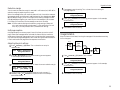
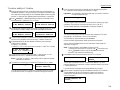
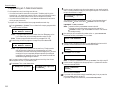
:Off
Program/Enter
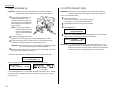
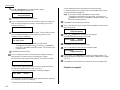
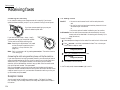
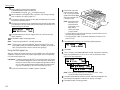
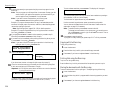
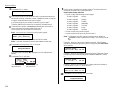
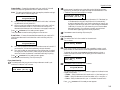
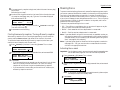
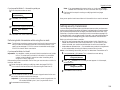
Press or /PROGRAM until the mode you want appears.
Here, we’ve chosen On.
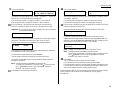
DRD
4
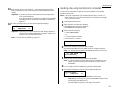
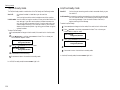
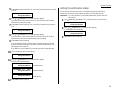
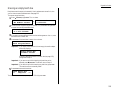
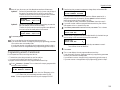
/PROGRAM, J, 2, 0, ENTER. The LCD shows:
:On
Program/Enter
Press ENTER.
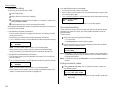
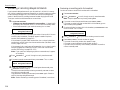
Ring Pattern
:A
Program/Enter
5
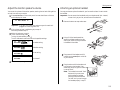
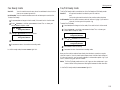
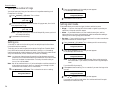
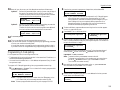
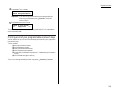
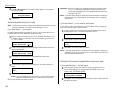
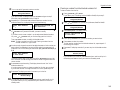
Press or /PROGRAM until the pattern you want appears.
Here, we’ve chosen “C”.
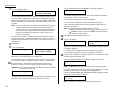
Ring Pattern
:C
Program/Enter
6
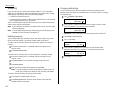
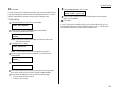
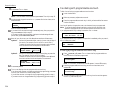
Press ENTER to set your machine to the displayed ring pattern.
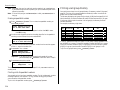
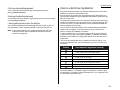
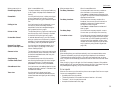
Important: If your telephone company gives you only very general ring pattern
specifications, or if you encounter a problem while using your
machine’s DRD feature, please try ALL of the listed ring patterns.
If you still have a problem after trying all of the patterns, please call
the Muratec Customer Support Center. (From the United States, call
972-364-3350. For the number to call from Canada, check the
documentation found inside your fax machine’s box).
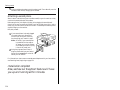
Important: With your machine set for using DRD, it won’t respond to any ring pattern other than the one you selected above. To reset the fax so it will
respond once again to normal rings, repeat steps 2–4, above — except,
in step 3, toggle it to “Off.” Your fax will now respond normally.
2.34
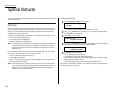
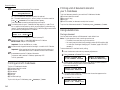
Call request
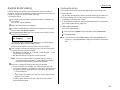
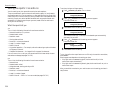
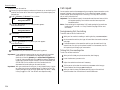
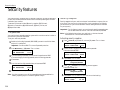
You can send or receive a fax message and have a regular phone conversation on the
same call (although, not at the same time). This is called a call request. It doesn’t
matter whether you’re sending the fax or receiving it. You may fax first and then
talk, or talk first and then fax.
Important: For this feature to work, the remote fax machine must have a similar
call-request capability. Your machine must also have an optional
handset attached.
Note: Communicating this way disables “V.34” mode, causing the fax machine to
handle the call in normal ITU-T Group 3 fashion. See page 3.20 for more
information.
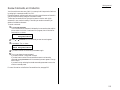
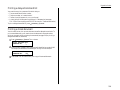
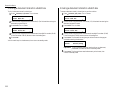
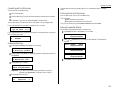
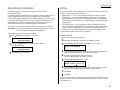
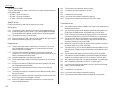
Faxing/receiving first, then talking
To send or receive a fax first and then talk:
1
2
3
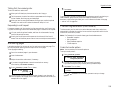
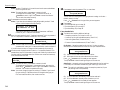
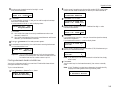
While your fax machine is sending or receiving the fax, press MONITOR/CALL.
At the remote fax machine, the ringer will sound after that machine receives
each page.
If someone answers at the remote fax machine, your fax machine will ring
several times. If so, pick up the optional handset. In a few seconds, the line
will open and you can begin your conversation.
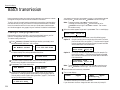
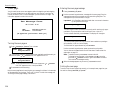
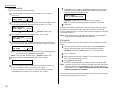
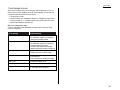
Talking first, then sending a fax
To talk first and then send a fax:
1
2
3
4
5
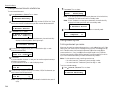
When you’ve finished your phone conversation, don’t hang up.
Insert the document you want to fax.
Adjust the resolution and contrast if necessary.
Tell the person at the other fax machine to press START and to hang up
his/her handset. Don’t hang up your handset yet!
When you hear fax tones, press START and hang up your fax machine’s
optional handset. Your fax machine will send the document.