1
8. EX MPU and I/O Extension Units
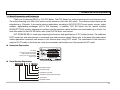
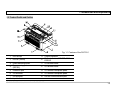
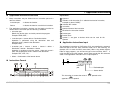
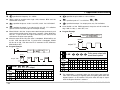
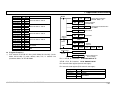
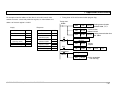
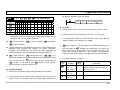
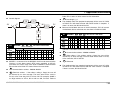
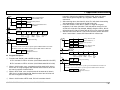
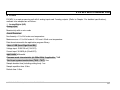
I/O Extension Unit Parts and Labels
2XWSXW,QSXW7HUPLQDOV
%$77(5<
,1
([WHQVLRQ3RUW
32:(5
581
(5525
([WHQVLRQ3RUW
287
56
1RWLQXVH 2XWSXW,QSXW7HUPLQDOV
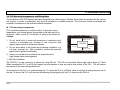
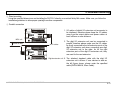
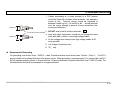
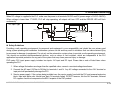
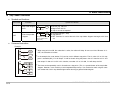
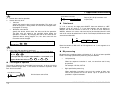
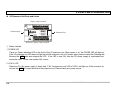
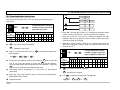
Ϩʳ Status Indicator
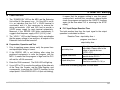
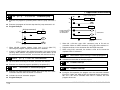
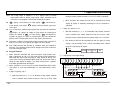
1. POWER LED
There is a Power indication LED on the front of the I/O extension unit. When power is on, the POWER LED will light up.
If the I/O extension unit LED does not light up and the extension unit is AC power input, please conduct the following test.
Remove the +24V wire and recheck the LED. If the LED is now ON, then the DC power supply is overloaded and
cannot be used. Please use another 24V source.
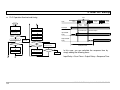
2. LOW V. LED
When the I/O +24V power supply is lower than 17.5V, the extension unit LED of LOW V will light up. At this moment, do
not use the +24V DC output terminal of the extension unit. Please check your power source.
8-8
© DELTA ELECTRONICS, INC. ALL RIGHTS RESERVED