1
Using Microsoft Windows Operating System
4
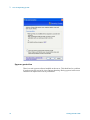
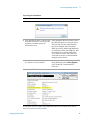
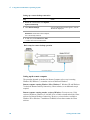
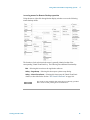
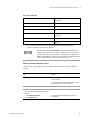
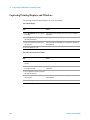
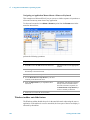
Accessing menus for Remote Desktop operation
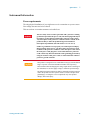
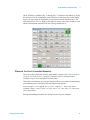
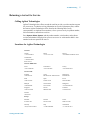
Using the mouse, right-click the application display window to access the following
remote desktop menus:
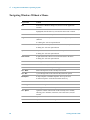
The function of each selection in the menu is generally identical to that of the
corresponding Virtual Front Panel key. The following lists additional functionality:
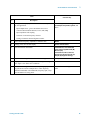
Exit – Selecting this item closes the Application software.
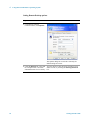
Utility > Page Setup – Selecting this item opens a printer setup dialog.
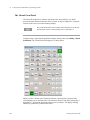
Utility > Virtual Front Panel – Selecting this item opens the Virtual Front Panel
window, as described in the Section “The Virtual Front Panel" on page 100.
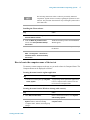
The menus are also available when using the test set directly, provided
that a mouse or other pointing device is attached to it.
Getting Started Guide
95