1
BJC-55.book Page 269 Tuesday, August 15, 2000 2:08 AM
Problems and Solutions
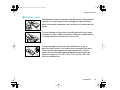
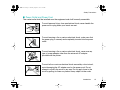
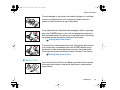
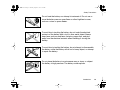
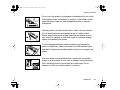
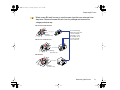
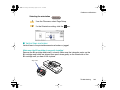
Check interface cable connections at the printer and computer
The interface cable could be defective. Replace it with a new interface cable and resume
printing.
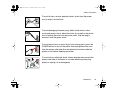
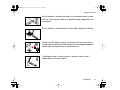
If your system contains a printer switching device, a USB hub, or an external buffer, remove
the device and try connecting the printer directly to the computer.
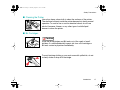
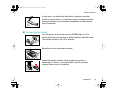
If the printer operates normally without the switching device, the USB hub, or the external
buffer, contact the manufacturer of that device.
Troubleshooting
269