1
4
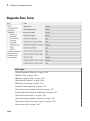
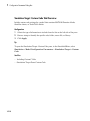
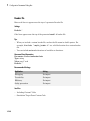
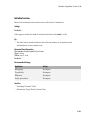
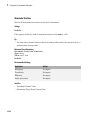
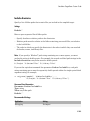
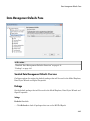
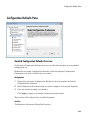
Simulink Preferences Window
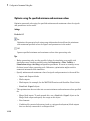
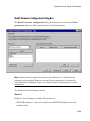
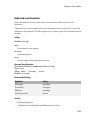
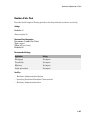
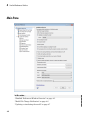
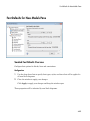
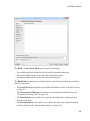
Model File Change Notification
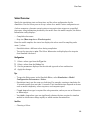
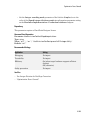
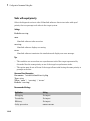
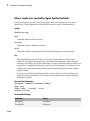
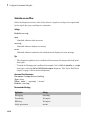
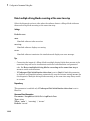
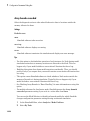
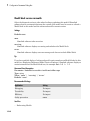
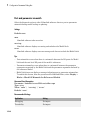
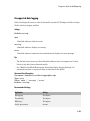
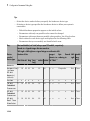
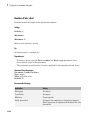
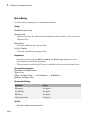
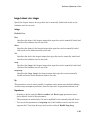
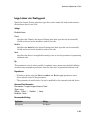
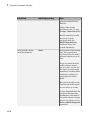
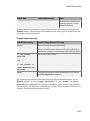
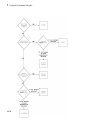
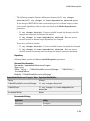
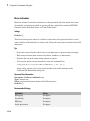
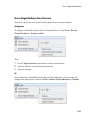
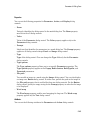
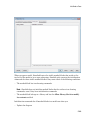
Use these preferences to specify notifications if the model has changed on disk when you
update, simulate, edit or save the model. When updating or simulating, you can choose
the action to take: warn, error, reload if unmodified, or show a dialog box where you can
choose to reload or ignore. For more information, see Model File Change Notification.
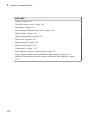
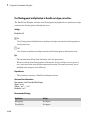
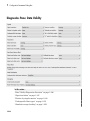
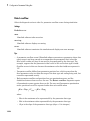
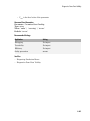
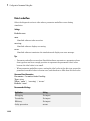
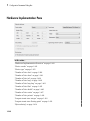
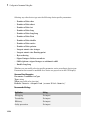
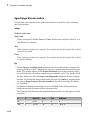
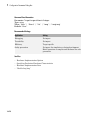
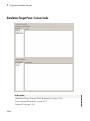
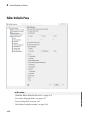
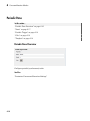
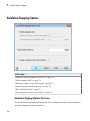
The frame contains these controls:
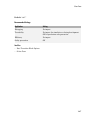
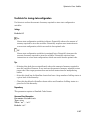
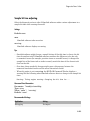
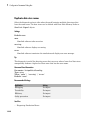
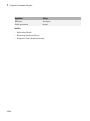
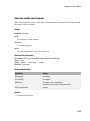
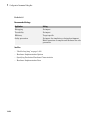
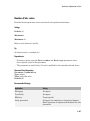
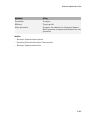
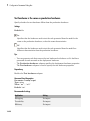
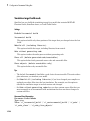
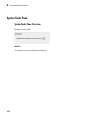
• “Updating or simulating the model” on page 4-7
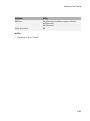
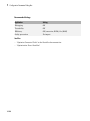
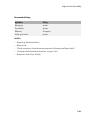
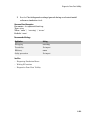
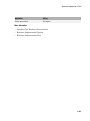
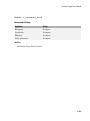
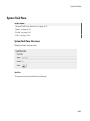
• “Action” on page 4-8
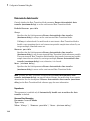
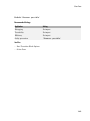
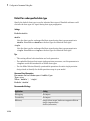
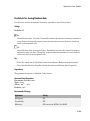
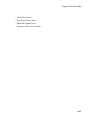
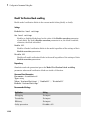
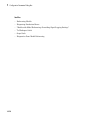
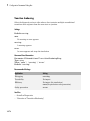
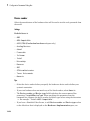
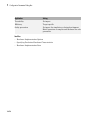
• “First editing the model” on page 4-9
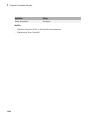
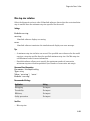
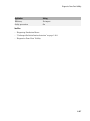
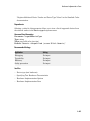
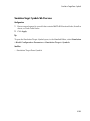
• “Saving the model” on page 4-10
4-6