1
System fan assembly
This section describes how to remove and install the system fan assembly.
Removing the system fan assembly
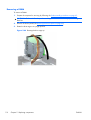
To remove the system fan assembly:
1.
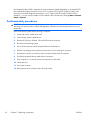
Prepare the computer for servicing by following the Predisassembly procedures on page 62.
CAUTION: Failure to follow the predisassembly procedures can result in equipment damage or
data loss.
106
2.
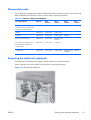
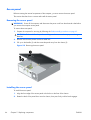
Remove the access panel (see Removing the access panel on page 64).
3.
Remove the front bezel (see Removing the front bezel on page 65).
4.
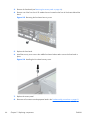
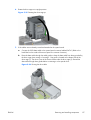
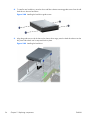
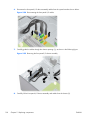
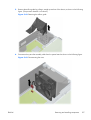
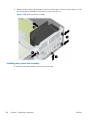
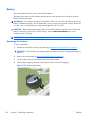
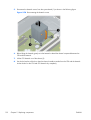
Remove the cables from the support arm on the airflow guide.
Chapter 5 Replacing components
ENWW