1
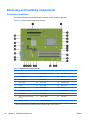
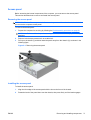
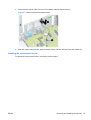
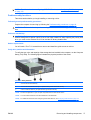
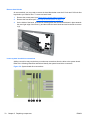
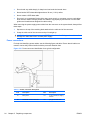
Choosing an expansion card slot
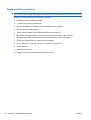
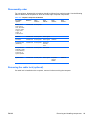
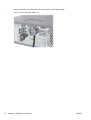
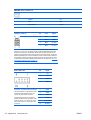
Whenever possible, use the following tips to help you select the proper slot for an expansion card:
ENWW
●
Use the black PCIe x16 I/O slot for the primary graphics card; if you do not use this slot for the
graphics card, only cards certified as After Market Options are supported.
●
Insert a second graphics card in the white PCIe x16 slot.
●
Install a card in a slot that most closely matches its interface technology:
◦
Install a PCIe Gen1 x16 or a PCIe Gen1 x8 card in the PCIe Gen2 x16 slot.
◦
Install a PCIe Gen1 x4 card in the PCIe Gen1 x4 slot.
◦
Install a PCIe Gen1 x1 card in the PCIe Gen1 x1 slot.
◦
Install a PCI card in one of the PCI slots.
◦
Whenever possible, install a PCIe x1 card in an x1 slot.
●
Leave as much space as possible between cards.
●
For best operational efficiency, select a slot that:
◦
Electrically matches the number of PCIe card lanes (e.g., x1 in a x1 slot).
◦
Has more lanes electrically.
◦
Has fewer lanes, but is closer to your needs. For example, place an x16 card in an x4 slot,
and an x4 card in a an x1 slot.
●
An x1 connector supports an x1 card only. Although, an x1 card can be inserted into any slot, this
may waste the potential for future card placement.
●
To prevent electromagnetic interference, avoid installing a card with external cable connections
next to a graphics card.
Removing and installing components 111