1
Description of the SCALANCE W744
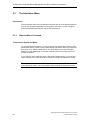
Notice
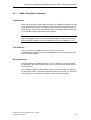
If the LED for the WLAN interface does not light up green during startup although it
is activated, then initialization of the interface was unsuccessful.
This can occur, in particular, when the operating temperature has not yet been
reached. If the SCALANCE W 700 products are started up in negative temperatures, waiting times of up to 15 minutes are possible.
Configuration Information on the C-PLUG
The C-PLUG is used to transfer the configuration of the old device to the new device when a device is replaced. When the new device starts up, it continues with
exactly the same configuration as the old device. One exception to this can be the
IP configuration if it is set over DHCP and the DHCP server has not been reconfigured accordingly.
Replacing the C-PLUG
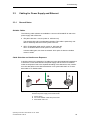
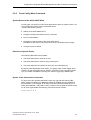
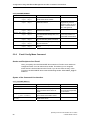
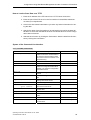
Follow the steps below to replace a C-PLUG in a SCALANCE W744:
1.
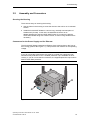
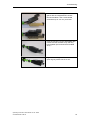
Remove the old SCALANCE W744 from its mounting and open the sealing
screw on the rear with a coin or broad screwdriver.
2.
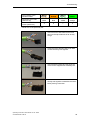
Remove the C-PLUG.
3.
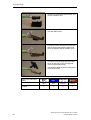
Open the sealing screw of the new device in the same way and insert the CPLUG of the old device.
4.
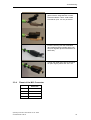
Replace the sealing screws of both devices.
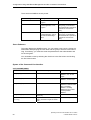
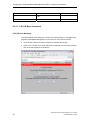
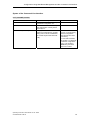
If a new C-PLUG is inserted in a SCALANCE W744-1PRO, the configuration
stored locally on the SCALANCE W744-1PRO is saved to the C-PLUG. If an incorrect C-PLUG (for example from another device or a damaged plug) is inserted, the
SCALANCE W744 signals an error with the red LED. The user then has the choice
of either removing the C-PLUG again or selecting the option to reformat the CPLUG and use it.
16
Operating Instructions SCALANCE W 744-1PRO
C79000-G8976-C185-03