1
202
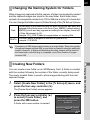
Only one folder can be created using this operation. Multiple empty folders
cannot be created consecutively.
Setting the Photographer Information
The camera type, shooting conditions and other information are
automatically embedded in captured images in Exif data format. You can
embed photographer information in this Exif.
Use the provided software (p.211) to check the Exif information.
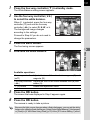
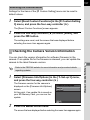
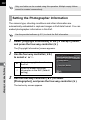
1
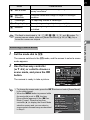
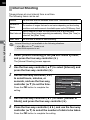
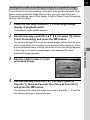
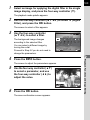
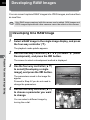
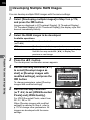
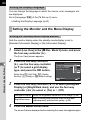
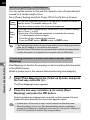
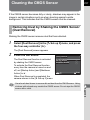
Select [Copyright Information] in the [R Set-up 2] menu,
and press the four-way controller (5).
The [Copyright Information] screen appears.
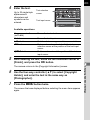
2
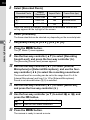
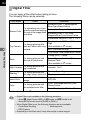
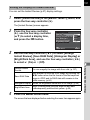
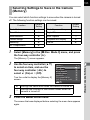
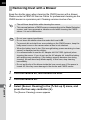
Use the four-way controller (45)
to select O or P.
Copyright Information
Embed Copyright Data
Photographer
7
Changing Additional Settings
3
O
Embeds copyright information in
the Exif.
P
Does not embed copyright
information in the Exif. (default
setting)
Copyright Holder
MENU
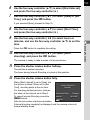
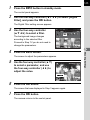
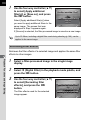
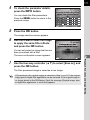
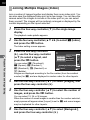
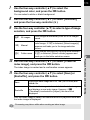
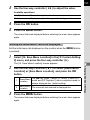
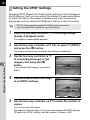
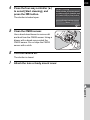
Use the four-way controller (23) to select
[Photographer], and press the four-way controller (5).
The text-entry screen appears.