1
104
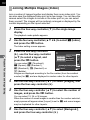
Shooting with a Remote Control Unit (Optional)
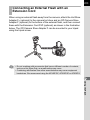
The shutter can be released from a distance by using an optional remote
control unit (p.242).
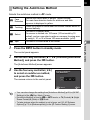
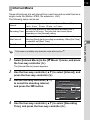
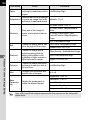
h Remote Control
Remote Control
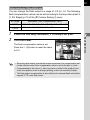
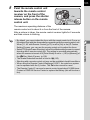
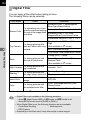
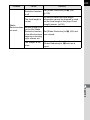
i (3 sec. delay)
The shutter is released immediately after the shutter
release button on the remote control unit is pressed.
The shutter is released about 3 seconds after the
shutter release button on the remote control unit is
pressed.
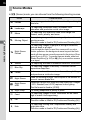
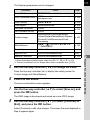
Shooting with a remote control unit is not available in the following situations.
- when p mode, or \ (Moving Object)/Z (Pet)/R (Kids) of H mode is set
- when Interval Shooting is set
4
Shooting Functions
1
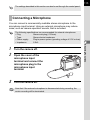
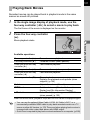
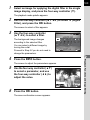
Mount the camera onto a tripod.
2
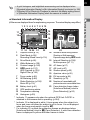
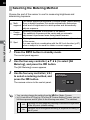
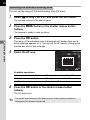
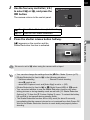
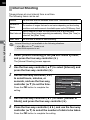
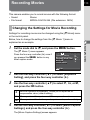
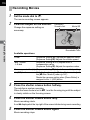
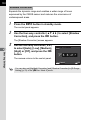
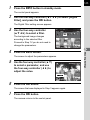
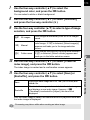
Press the four-way controller (5) in standby mode.
The Drive Mode setting screen appears.
3
4
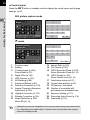
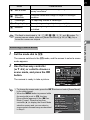
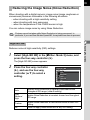
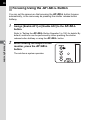
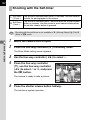
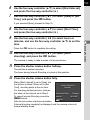
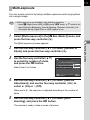
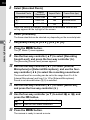
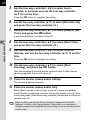
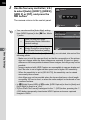
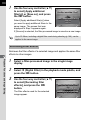
Use the four-way controller (45) to select h.
Press the four-way controller
(3), use the four-way controller
(45) to select h or i, and press
the 4 button.
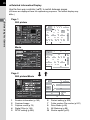
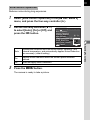
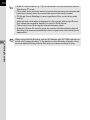
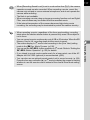
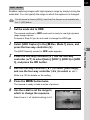
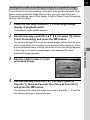
The remote control receiver on the front
of the camera will blink and the camera is
in a standby status.
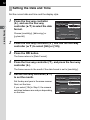
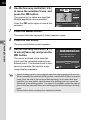
5
Remote Control
MENU Cancel
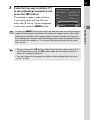
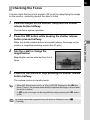
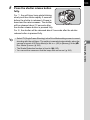
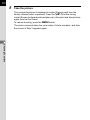
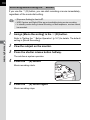
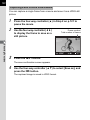
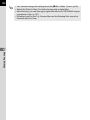
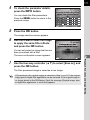
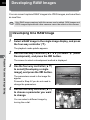
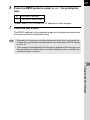
Press the shutter release button halfway.
The autofocus system operates.
OK OK