1
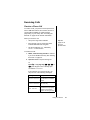
Read a Stored Message
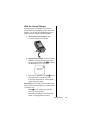
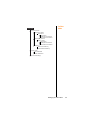
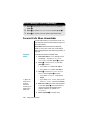
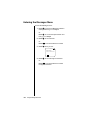
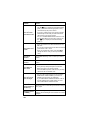
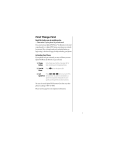
To read a stored message:
1. Follow the steps in “1-2-3: Accessing Your
Messages...” to enter the message center. If
you have messages you will see the number
of messages stored. If you do not have any
messages, you will see No Messages.
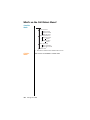
Satellite
Mode/
Cellular
Mode
(GSM)
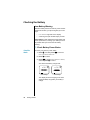
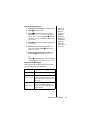
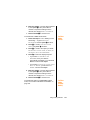
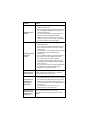
2. Press M or < to move forward through a
message one screen at a time.
3. Press O to access options for that entry,
and then proceed to page 130.
or
Press and hold C to exit the menu.
This feature is not available in CDMA/AMPS cellular
mode.
Cellular
Mode
(CDMA/
AMPS)
Delete Messages
Use this option to make room for new messages:
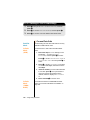
1. Follow the steps in “Go to the Next
Message” above until you see the message
you want to delete, and then press O.
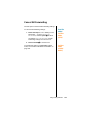
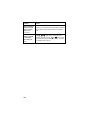
2. Press M until you see Delete Message,
and then press O. You will see Message
Deleted.
Satellite
Mode/
Cellular
Mode
(GSM)
3. Press and hold C to exit the menu.
This feature is not available in CDMA/AMPS cellular
mode.
Cellular
Mode
(CDMA/
AMPS)
Using Message Services
129