1
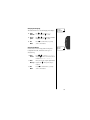
Charging Batteries
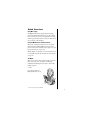
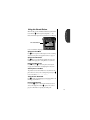
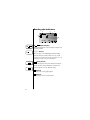
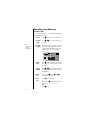
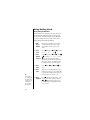
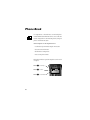
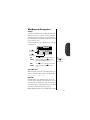
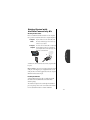
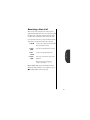
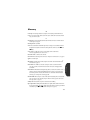
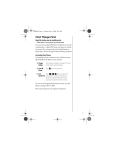
Using the Desktop Charger
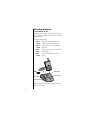
The Desktop Charger’s front pocket can charge batteries while
they are attached to your phone, and the rear pocket can charge
batteries separately.
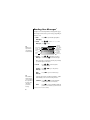
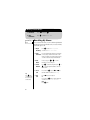
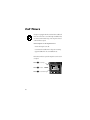
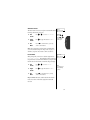
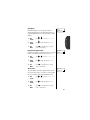
If you have a Desktop Charger:
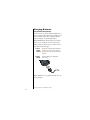
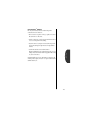
1. Attach
Adapter
Plug the AC Adapter into the back of the
charger, with the release tab facing up.
2. Plug In
Adapter
Plug the other end of the AC Adapter into a
wall socket.
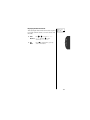
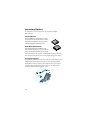
3. Insert
Phone
Insert the phone into the front pocket with a
battery attached.
& Insert
Battery
If you like, insert a battery into the rear
pocket.
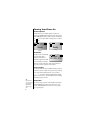
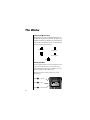
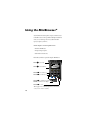
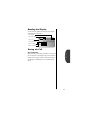
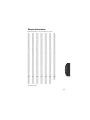
HS
UP
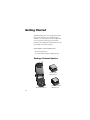
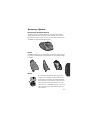
Rear Pocket
Front Pocket
Rear LED
Front LED
Note: If two batteries are loaded in the charger, the batteries
will charge one at a time.
16