1
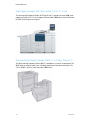
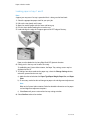
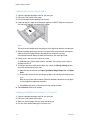
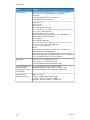
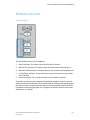
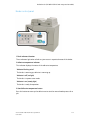
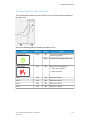
High Capacity Feeder (HCF/Trays 6 and 7), 8.5 x 11 in./A4
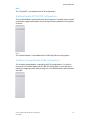
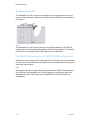
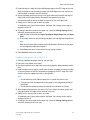
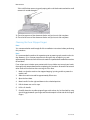
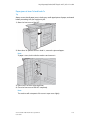
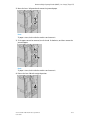
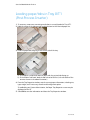
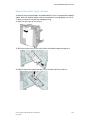
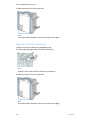
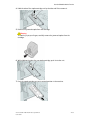
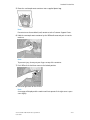
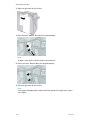
8. If changes have been made to the paper tray, select the Change Settings button;
otherwise, proceed to the next step.
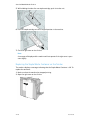
a) Make the desired selections for Paper Type/Paper Weight, Paper Size, and Paper
Color.
b) If necessary, make the desired changes to paper curl and alignment adjustment.
Note
Refer to the System Administration Guide for detailed information on the paper
curl and alignment adjustment options.
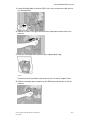
c) Select Save until you are returned to the tray settings window.
9. Select Confirm to close the window.
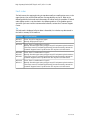
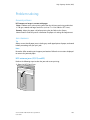
Problem solving
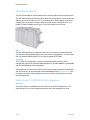
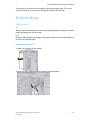
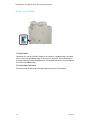
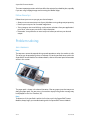
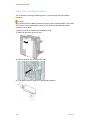
Paper jams in Trays 6/7 (HCF)
Tip
Always ensure that all paper jams, including any small ripped pieces of paper, are cleared
before proceeding with your copy/print jobs.
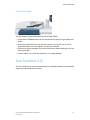
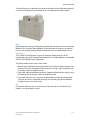
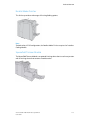
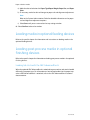
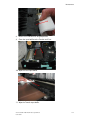
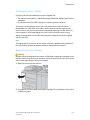
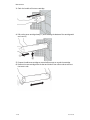
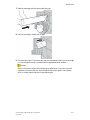
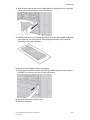
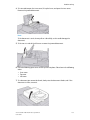
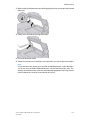
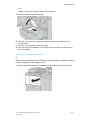
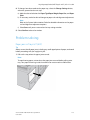
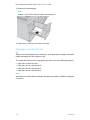
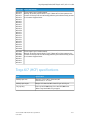
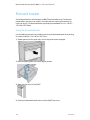
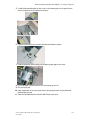
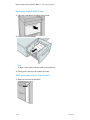
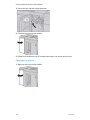
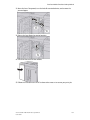
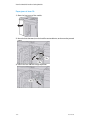
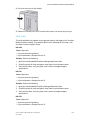
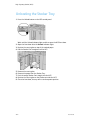
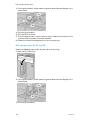
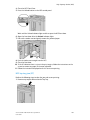
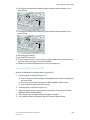
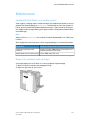
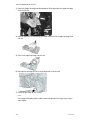
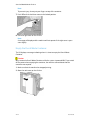
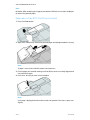
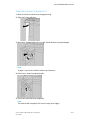
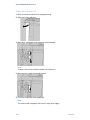
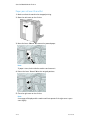
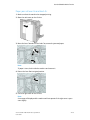
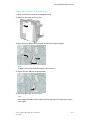
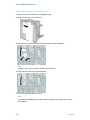
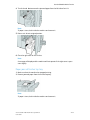
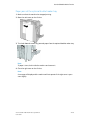
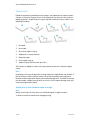
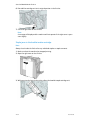
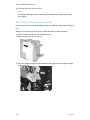
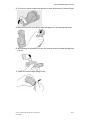
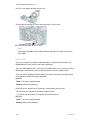
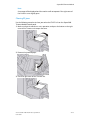
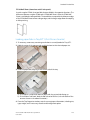
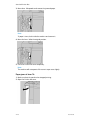
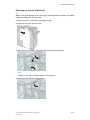
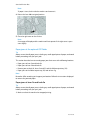
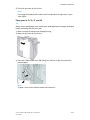
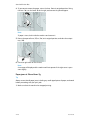
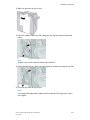
1. Pull out the tray where the paper jam occurred.
Note
To avoid tearing paper, review where the paper jam occurred before pulling out a
tray. Torn paper remaining inside the machine can cause machine malfunction.
Xerox® D95/D110/D125/D136 Copier/Printer
User Guide
17-3