1
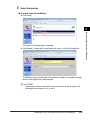
Editing the Destinations
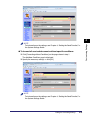
You can register, edit, or delete the destinations in the Address Book.
NOTE
The screen shots and procedures in this section are for the Address Book. The
Address Book and One-touch Speed Dial use a similar procedure for editing
destinations.
2
Managing Jobs and Machine Data
1
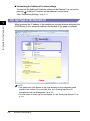
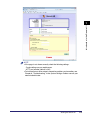
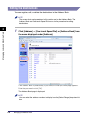
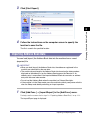
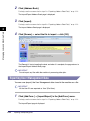
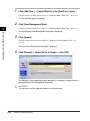
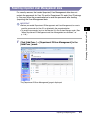
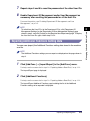
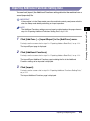
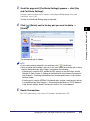
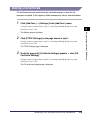
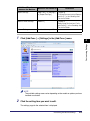
Click [Address] ➞ [One-touch Speed Dial] or [Address Book] from
the menu displayed under [Address].
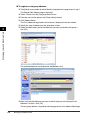
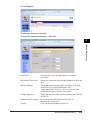
If the address book is protected by a password, the Enter password page appears.
Enter the password ➞ click [OK].
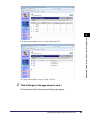
The Address Book page is displayed.
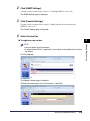
NOTE
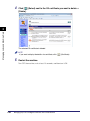
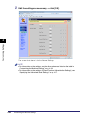
You can select the address numbers to display from the [Select Range] drop-down list
box.
2-6
Managing the Address Book