1
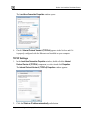
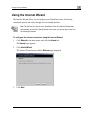
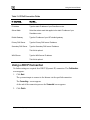
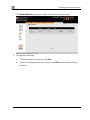
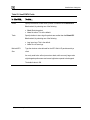
Using the Internet Wizard
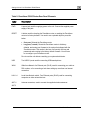
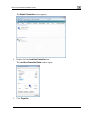
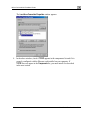
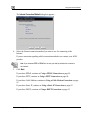
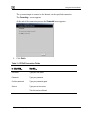
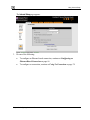
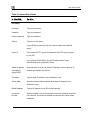
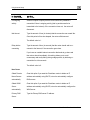
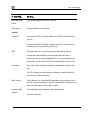
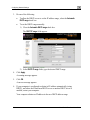
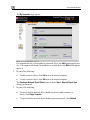
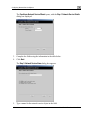
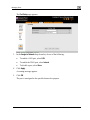
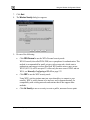
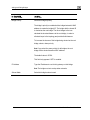
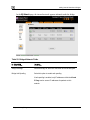
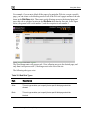
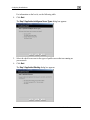
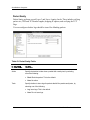
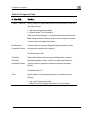
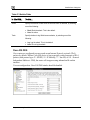
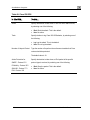
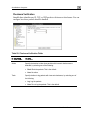
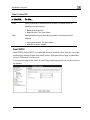
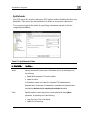
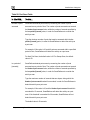
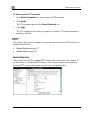
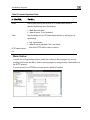
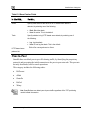
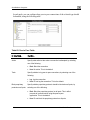
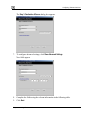
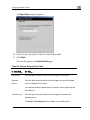
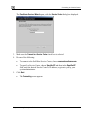
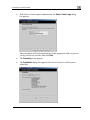
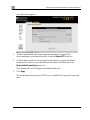
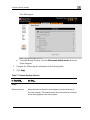
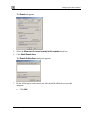
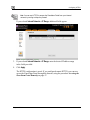
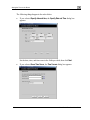
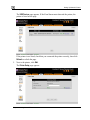
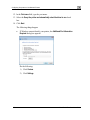
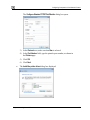
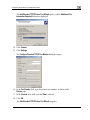
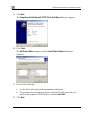
The Internet Connection Method dialog box appears.
4.
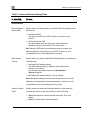
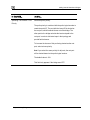
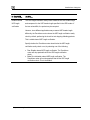
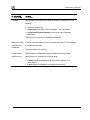
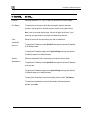
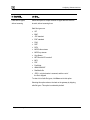
Select the Internet connection method you want to use for connecting to the
Internet.
If you are uncertain regarding which connection method to use contact your xDSL
provider.
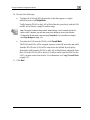
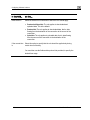
Note: If you selected PPTP or PPPoE, do not use your dial-up software to connect to
the Internet.
5.
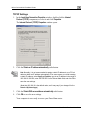
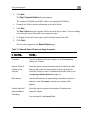
Click Next.
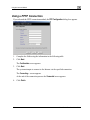
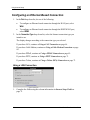
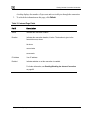
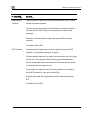
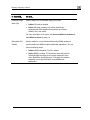
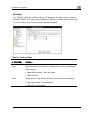
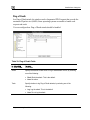
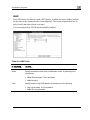
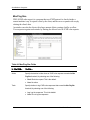
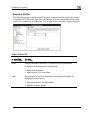
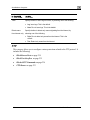
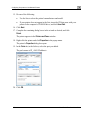
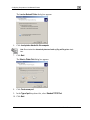
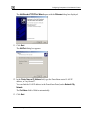
If you chose PPPoE, continue at Using a PPPoE Connection on page 58.
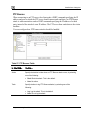
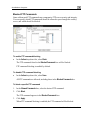
If you chose PPTP, continue at Using a PPTP Connection on page 60.
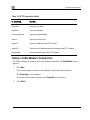
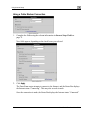
If you chose Cable Modem, continue at Using a Cable Modem Connection on page
61.
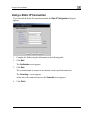
If you chose Static IP, continue at Using a Static IP Connection on page 62.
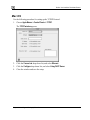
If you chose DHCP, continue at Using a DHCP Connection on page 63.
Chapter 5: Configuring the Internet Connection
57