1
Using VStream Antispam
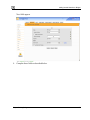
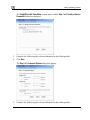
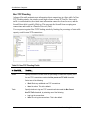
4.
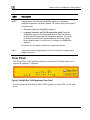
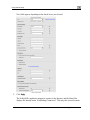
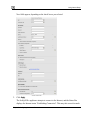
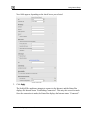
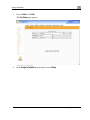
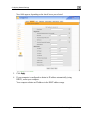
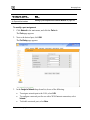
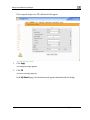
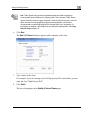
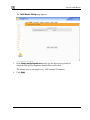
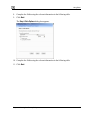
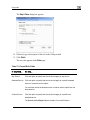
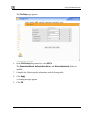
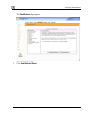
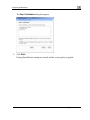
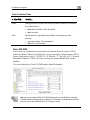
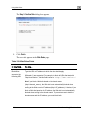
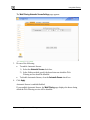
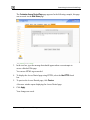
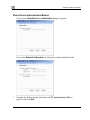
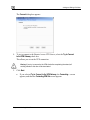
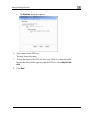
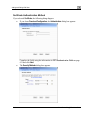
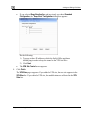
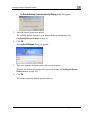
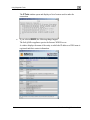
Click Apply.
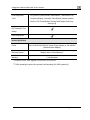
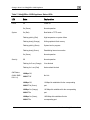
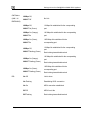
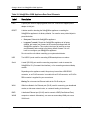
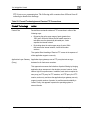
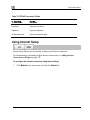
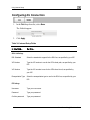
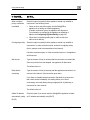
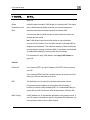
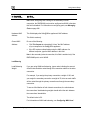
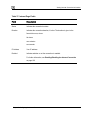
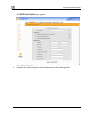
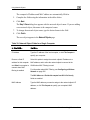
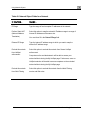
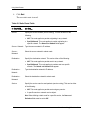
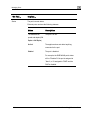
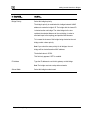
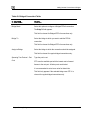
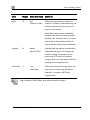
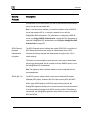
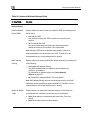
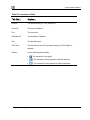
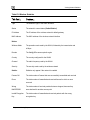
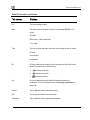
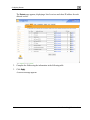
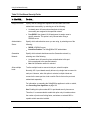
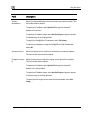
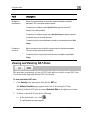
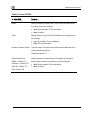
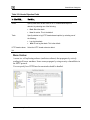
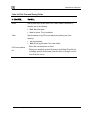
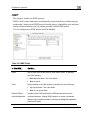
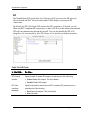
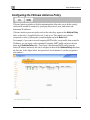
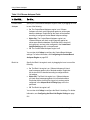
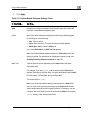
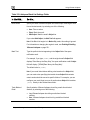
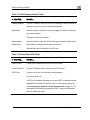
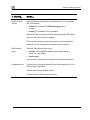
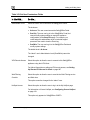
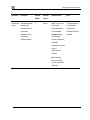
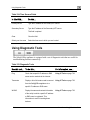
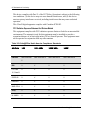
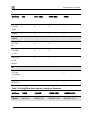
Table 121: Content Based Antispam Settings Fields
In this field…
Do this…
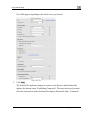
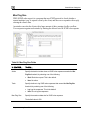
Spam
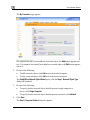
Configure how VStream Antispam should handle spam that is detected
using the Content Based Antispam engine.
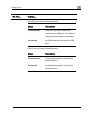
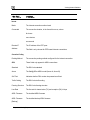
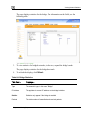
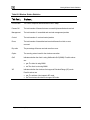
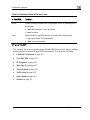
Action
Specify the action VStream Antispam should take upon detecting spam,
by selecting one of the following:
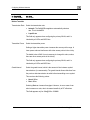
•
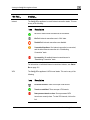
None. Take no action.
•
Reject. Block the email. The email will be permanently deleted.
•
Mark Subject. Mark the email's Subject line.
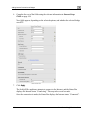
If you select Mark Subject, the Mark Text field appears.
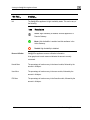
Note: If the Content Based Antispam engine is in Monitor Only mode, this
setting is ignored. For information on changing the engine's mode, see
Enabling/Disabling VStream Antispam on page 531.
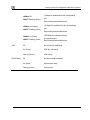
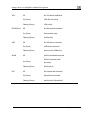
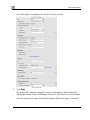
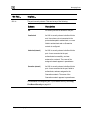
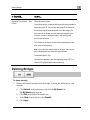
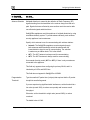
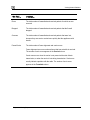
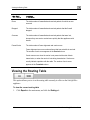
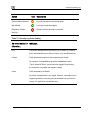
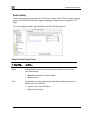
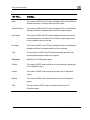
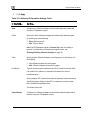
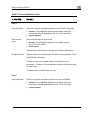
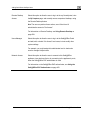
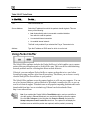
Mark Text
Type the prefix to the text appearing in the Subject field of the spam
notification email.
For example, if you type [SPAM] and the original email's Subject field
displays "Earn Money the Easy Way", the spam notification email's Subject
field will display: "[SPAM] Earn Money the Easy Way".
The default value is [SPAM].
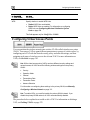
Note: If your email client allows defining rules based on the Subject field,
you can create rules specifying that emails whose Subject field contains
certain words should be moved to specific folders. For example, you can
configure your email client to move all emails whose Subject field contains
[SPAM] directly to the Deleted Items folder.
536
Check Point Safe@Office User Guide