1
Table of Contents
Connecting to a power source
Getting started
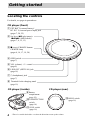
Locating the controls .................................. 4
Playing a CD
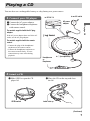
1. Connect your CD player. ......................... 7
2. Insert a CD. ............................................. 7
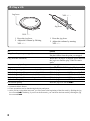
3. Play a CD. ............................................... 8
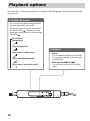
Playback options
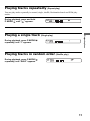
Playing tracks repeatedly (Repeat play) ...
Playing a single track (Single play) ..........
Playing tracks in random order
(Shuffle play) ........................................
Playing your favorite tracks by adding
Bookmarks (Bookmarked track play) ..
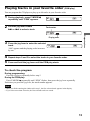
Playing tracks in your favorite order
(PGM play) ...........................................
11
11
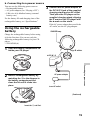
Using the rechargeable battery .................. 19
Using the dry battery ................................. 22
Notes on the power source ........................ 23
Additional Information
Precautions ................................................ 24
Maintenance .............................................. 25
Troubleshooting ......................................... 26
Specifications ............................................ 29
Accessories (supplied/optional) ................ 30
11
12
13
Available features
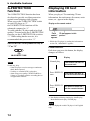
G-PROTECTION function ........................ 14
Displaying CD text information ................ 14
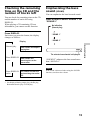
Checking the remaining time on the CD and
the number of tracks left ....................... 15
Emphasizing the bass sound (SOUND) .... 15
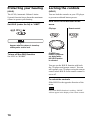
Protecting your hearing (AVLS) ................ 16
Locking the controls (HOLD) ................... 16
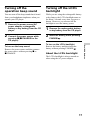
Turning off the operation beep sound ........ 17
Turning off the LCD’s backlight ............... 17
Connecting your CD player
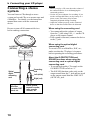
Connecting a stereo system ....................... 18
3