1
Utilities
Utility Programs
Filter File Modification Example
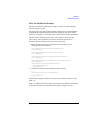
This section explains the modification example of a filter file. In this example, a
filter file of group 5 is used.
The group 5 filter files will export the data that contains the test setup information.
To obtain the data without the setup information, modify the filter file as shown
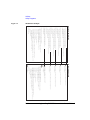
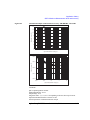
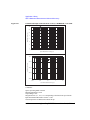
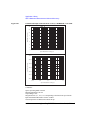
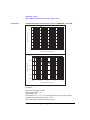
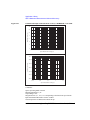
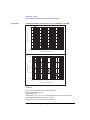
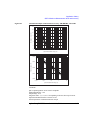
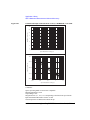
below, also see Figure 7-2, and export data by using the filter file after modification.
The data will not contain the TestParameter, DutParameter, MetaData, and
AnalysisSetup of the Application test result record, and the TestParameter,
MetaData, and AnalysisSetup of the Classic test result record.
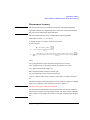
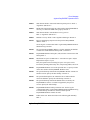
1. Modify the following template elements for sta:TestParameterList to
sta:TerminalList as shown below.
<xsl:template match="sta:TestParameterList">
</xsl:template>
<xsl:template match="sta:DutParameterList">
</xsl:template>
<xsl:template match="sta:AnalysisParameterList">
</xsl:template>
<xsl:template match="sta:MetaData/sta:ParameterList">
</xsl:template>
<xsl:template match="sta:TerminalList">
<xsl:apply-templates />
</xsl:template>
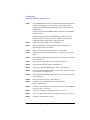
2. Comment out the whole of the following template element.
<!-<xsl:template match="sta:Parameter">
: : : : : : : : :
</xsl:template>
-->
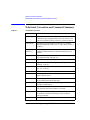
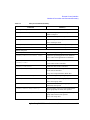
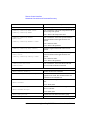
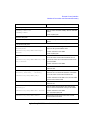
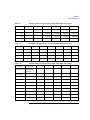
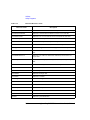
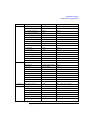
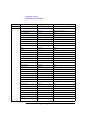
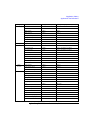
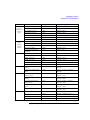
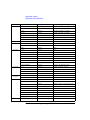
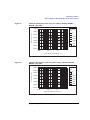
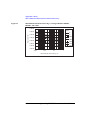
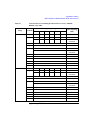
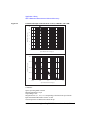
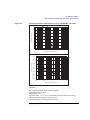
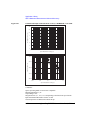
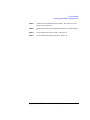
Exported data examples of Classic test result record are shown in Table 7-10 and
Table 7-11.
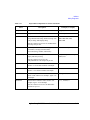
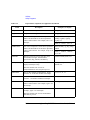
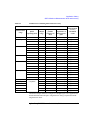
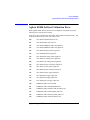
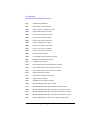
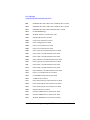
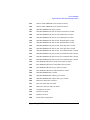
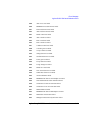
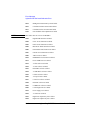
Table 7-12 explains the reference name used in the filter file and shows the relation
to the parameter name used in the data file exported by using the filter file.
Agilent EasyEXPERT User’s Guide Vol. 2, Edition 1
7-31