1
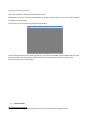
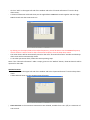
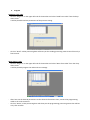
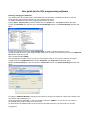
Insert the CD rom into your PC Enter “My computer” and then doubleclick the CD icon Doubleclick on “install”: the setup automatically run and last a few minutes; the icon G11 of the software will appear on the desktop. Click on the icon to enter the G11 programming software. On the opening window at the upper left side of it, you will find 4 settable options (Model, Edit, Program, Communication): each option gives you the chance to set new functions in order to improve the performance of your G11 transceiver. 1.
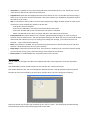
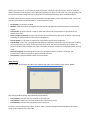
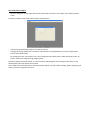
Communication Communication port setup To operate with the programming software, you must first of all set the COM port in use.