1
1. Preparing User Supportware 3
● Displaying Ulead Photo Explorer 8.0 Help
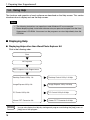
To display the Help of Ulead Photo Explorer 8.0, start the software and make your selection
from the [Help] menu.
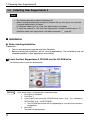
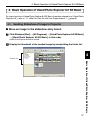
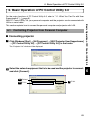
1 Click [All Programs] in the start menu → [Ulead Photo Explorer 8.0 SE Basic]
→ [Ulead Photo Explore 8.0 SE Basic], in that order.
The Ulead Photo Explorer 8.0 will start.
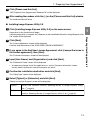
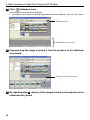
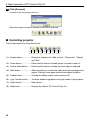
2 From the Ulead Photo Explorer 8.0 menu bar, select [Help] → [Ulead Photo
Explorer Help] or [NEC Projector User Supportware Help].
Preparing User Supportware 3
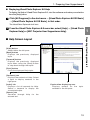
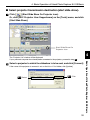
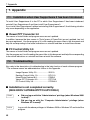
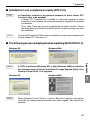
■ Help Screen Layout
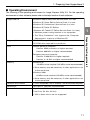
[Hide] button
Shows/hides the left pane.
[Back] button
Displays the previously displayed
topic.
[Forward] button
Displays the previously displayed
topic when using the [Back] button
to step back through the topics.
[Print] button
Prints the displayed Help topic.
[Contents] tab
Displays the contents of Help. Select
a topic to display contents in the
right pane.
[Index] tab
Displays a list of keywords for Help.
Select a keyword to display the
associated topics.
[Search] tab
Searches through
entered text.
Help
for
1
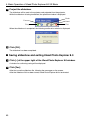
Explanation displaying area
Displays content for the
selected in the left pane.
topic
the
19