1
User Guide for DC2200
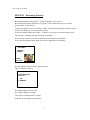
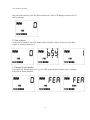
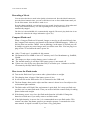
Then wait for about 10s, it will go back to operating mode but the picture quality is
changed to NORM (Normal). This is similar for changing to Econ, Zoom x2 and Movie
modes.
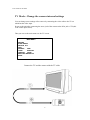
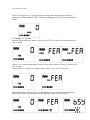
4. Change TV system
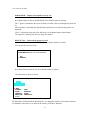
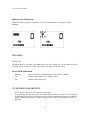
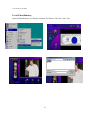
Press the Mode button two times, it will see the NTSC icon, press the Select button and
PAL is found.
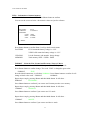
Wait for 10s, or press Mode button 2 times or press Power button 2 times, it will save the
PAL system
Checking the TV system : Press Mode button 2 times, you can see PAL is set.
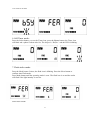
5. Delete All the photos.
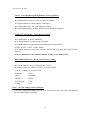
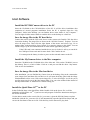
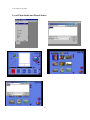
Press Mode button 3 times, you see the Rubbish bin icon, press the Select button to do
delete all function. The Rubbish bin icon is blinking. After 10s, it will show 0.
16