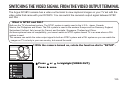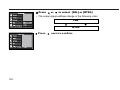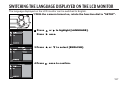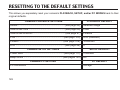
1
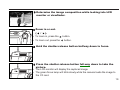
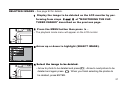
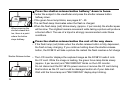
In P/A/S/M menu:
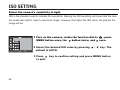
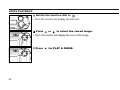
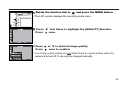
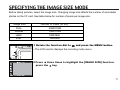
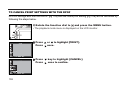
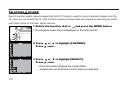
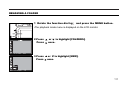
Rotate the function dial to
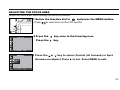
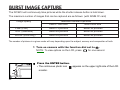
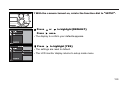
1 Press the
key.
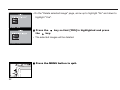
and press MENU button.
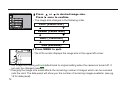
2 Select the desired mode by pressing
key to confirm the settings.
/
and Press
In A/S/M mode:
3 Press
/
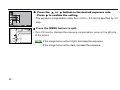
key to change the value of aperture or shutter speed.
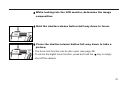
4. Press shutter-release halfway down to confirm the new setting.
Aperture Priority
Shutter Priority
Manual Exposure
49