1
Quick & Easy
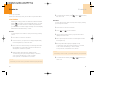
Keys
Quick & Easy
Functions
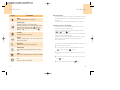
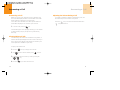
Press and hold to turn the phone on or off.
During a call, press to end the call.
While viewing any screen, press this key to return to
the Standby mode.
to
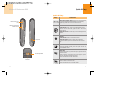
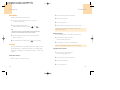
Keys
Functions
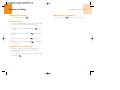
Adjusts earpiece volume during a call and moves
the cursor downward in the menu.
Controls the volume of Voice Calls in the Standby
mode and moves the cursor downward in the
menu.
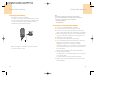
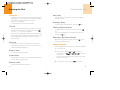
Use to enter characters or numbers and access
different menu options.
When entering text, press to shift between upper and
lower case.
While in the Standby mode, press and hold to quickly
activate or de-activate Etiquette mode.
When entering text, use this key to insert spaces
between characters.
In Edit Screen:
Press to view the next matching word if the highlighted
word is not matched.
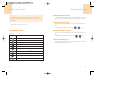
In the Standby mode, use for quick access to the
camera menu and taking pictures.
In addition, press and hold to directly go to the
Take Picture mode, skipping the Camera menu.
Adjusts earpiece volume during a call and
moves the cursor upward in the menu.
Controls the volume of Voice Calls in the Standby
mode and moves the cursor upward in the menu.
8
9