1
Appendix E: Reference
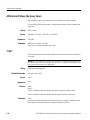
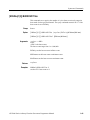
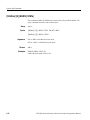
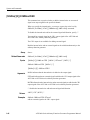
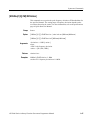
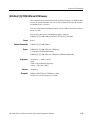
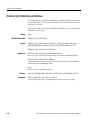
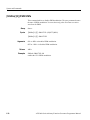
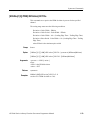
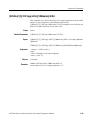
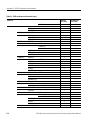
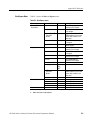
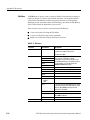
Save/Recall Menu
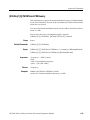
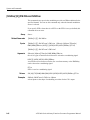
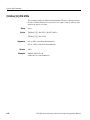
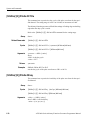
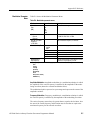
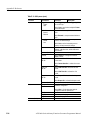
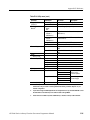
The Save and Recall menus store or recall arbitrary/function generator setups. The
setups are stored in either internal setup memory or USB memory.
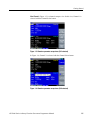
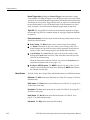
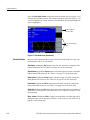
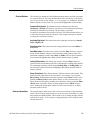
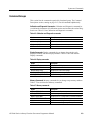
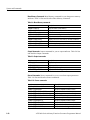
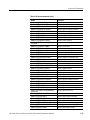
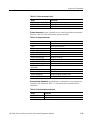
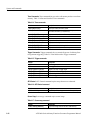
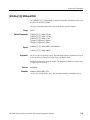
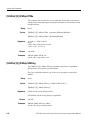
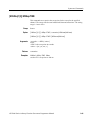
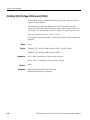
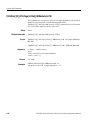
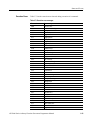
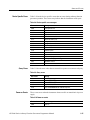
Table E-10: Save/Recall menu
Save or Recall
Save
First level
Memory
Internal
USB
Save
Second level
Save As
Enter Character
OK
Cancel
Change Directory
-more- (1/2)
Lock/Unlock
Erase
(blank)
Make Directory
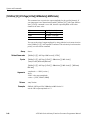
Recall
-more- (2/2)
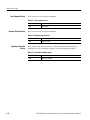
Memory
Internal
USB
Recall
(blank)
Change Directory
(blank)
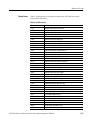
Description
Selects a memory type
(Internal or USB).
Saves the instrument
settings to the
specified setup
memory location.
Refer to page E-34 for
entering a file name.
Opens a directory.
Locks or unlocks a file.
Erases a file.
Enter Character
OK
Cancel
Refer to page E-30 for
file operations.
Selects a memory type
(Internal or USB).
Recalls the instrument
settings from the
specified file.
Opens a directory.
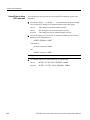
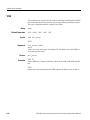
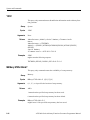
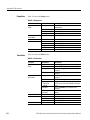
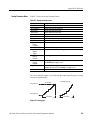
The arbitrary/function generator has four storage locations in non-volatile memory
to store the instrument setups. The locations are numbered 1 through 4. The instrument uses location 0, which is called “last setup memory”, to overwrite the instrument setups at power off.
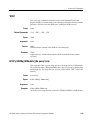
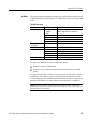
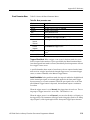
You can select the instrument settings that are restored when you power on the
instrument. If you select Power On Last in the Utility menu, the instrument will
restore the last powered-off settings the next time you power on the instrument.
(See the Utility Menu on page E-23.)
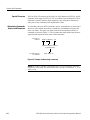
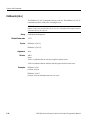
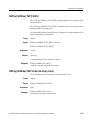
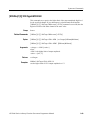
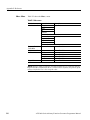
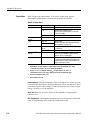
The Lock/Unlock menu allows you to lock the file against accidental overwrite.
When a memory location is locked, a lock icon appears on the screen.
AFG3000 Series Arbitrary/Function Generators Programmer Manual
E-13