1
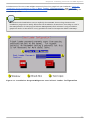
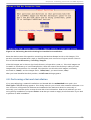
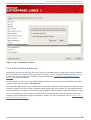
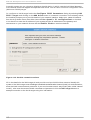
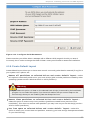
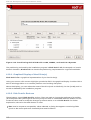
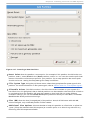
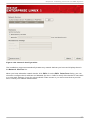
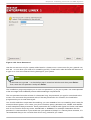
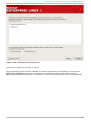
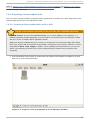
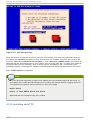
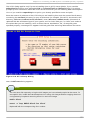
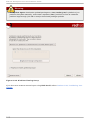
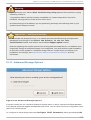
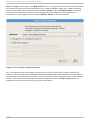
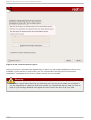
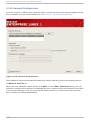
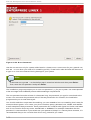
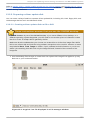
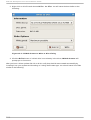
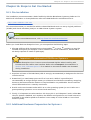
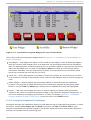
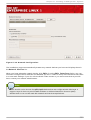
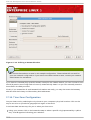
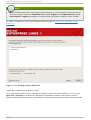
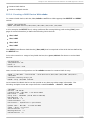
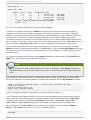
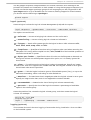
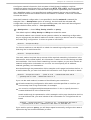
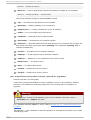
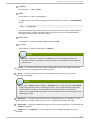
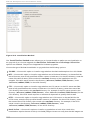
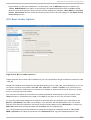
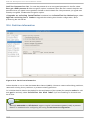
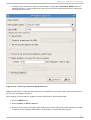
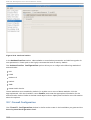
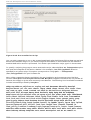
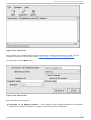
Chapt er 32 . Kickst art Configurat or Fig u re 32.8. N et wo rk C o n f ig u rat io n If the system to be installed via kickstart does not have an Ethernet card, do not configure one on the Network Configuration page. Networking is only required if you choose a networking-based installation method (NFS, FTP, or HTTP). Networking can always be configured after installation with the N et wo rk Ad min ist rat io n T o o l (system-config-network). Refer to the Red Hat Enterprise Linux D eployment Guide for details. For each Ethernet card on the system, click Add Network Device and select the network device and network type for the device. Select eth0 to configure the first Ethernet card, eth1 for the second Ethernet card, and so on. 32.6. Aut hent icat ion 327