1
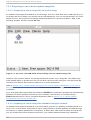
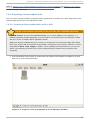
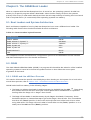
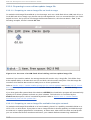
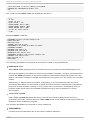
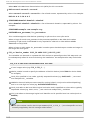
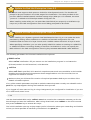
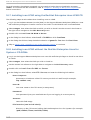
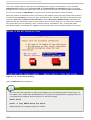
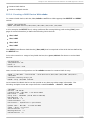
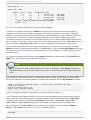
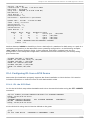
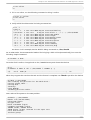
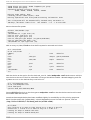
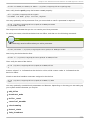
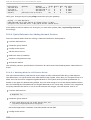
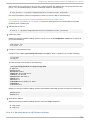
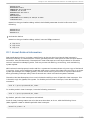
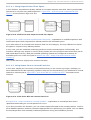
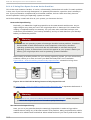
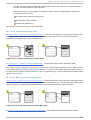
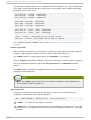
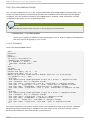
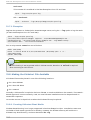
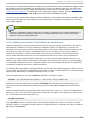
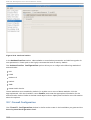
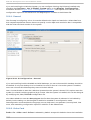
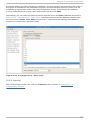
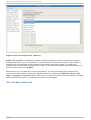
Chapt er 1 . It anium Syst em Specific Informat ion Chapter 1. Itanium System Specific Information 1.1. It anium Syst em Inst allat ion Overview Installing Red Hat Enterprise Linux on an Itanium system is different from installing Red Hat Enterprise Linux on an x86-based system. In general, the sequence of steps to a successful installation are the following: 1. Boot into the Extensible Firmware Interface (EFI) Shell. 2. If you cannot boot from the CD -ROM, make an LS-120 diskette from the boot image file provided with Red Hat Enterprise Linux. 3. Using the EFI Shell and the ELILO boot loader, load and run the kernel, and boot into the Red Hat Enterprise Linux installation program. 1.2. It anium Syst ems — T he EFI Shell Before you start to install Red Hat Enterprise Linux on an Itanium, you must have a basic understanding of the EFI Shell, what it does, and the information it can provide. The EFI Shell is a console interface used to launch applications (such as the Red Hat Enterprise Linux installation program), load EFI protocols and device drivers, and execute simple scripts. It is similar to a D OS console and can only access media that is FAT16 (VFAT) formatted. The EFI Shell also contains common utilities that can be used on the EFI system partition. These utilities include edit, type, cp, rm, and mkdir. For a list of utilities and other commands, type help at the EFI Shell prompt. The EFI Shell contains a boot loader called ELILO. Additional information on EFI can be found at the following URL: http://developer.intel.com/technology/efi/index.htm 1.2.1. It anium Syst ems — EFI Device Names The map command can be used to list all devices and file systems that EFI can recognize. When your Itanium system boots into the EFI shell, it probes your system in the following order: 1. LS-120 drive (if it contains media) 2. ID E hard drives on the primary ID E interface 3. ID E hard drives on the secondary ID E interface 4. SCSI hard drives on the SCSI interface 5. CD -ROM drives on the ID E interface 6. CD -ROM drives on the SCSI interface To view the results of this system poll, type the following command at the EFI Shell prompt: map 7