1
Maintenance
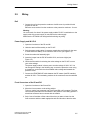
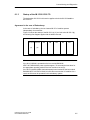
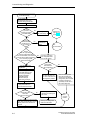
Update via MMC
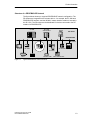
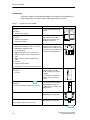
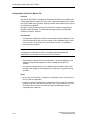
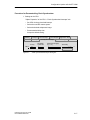
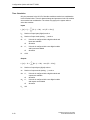
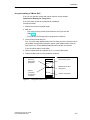
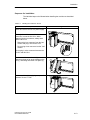
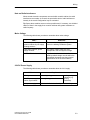
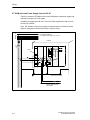
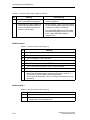
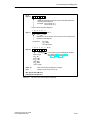
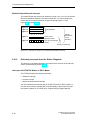
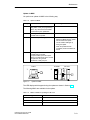
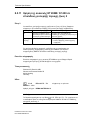
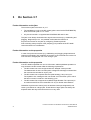
You perform an update via MMC in the following way:
Table 7-8
Update via MMC
You must do this:
Step
This happens at the IM 153-2:
1.
Transfer the update files to an MMC
using STEP 7 and your programming
device. Any data stored on the MMC
is overwritten by the update files.
–
2.
De-energize the IM 153-2 and insert
the MMC with the update.
–
3.
Switch on the power supply.
The IM 153-2 automatically
detects the MMC with the update
files and starts the update.
The SF and BF LEDs light up
during the update.
When the update has been
completed, the BF LED flashes at
0.5 Hz.
4.
De-energize the IM 153-2 and remove –
the MMC with the update.
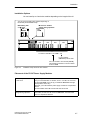
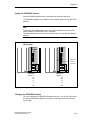
To eject the MMC, press the ejector
button in the bottom part of the module
compartment using a small
screwdriver or ball-point pen.
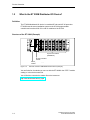
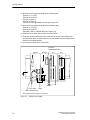
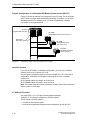
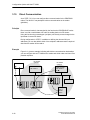
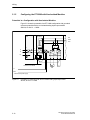
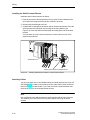
ET 200M
PG/PC
1.
IM 153-2
2.
Figure 7-5
Update via MMC
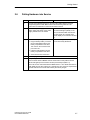
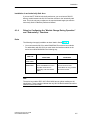
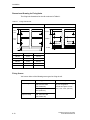
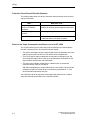
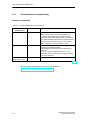
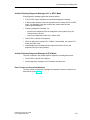
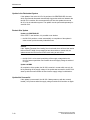
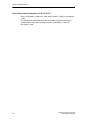
The LED displays which appear during the update are shown in Section 6.2.
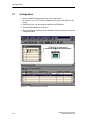
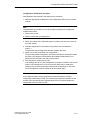
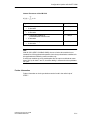
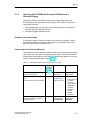
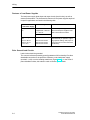
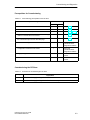
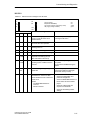
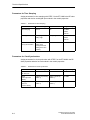
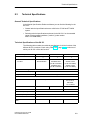
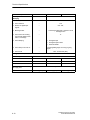
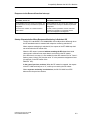
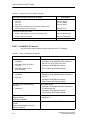
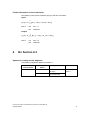
The following MMCs are available for the update:
Table 7-9
MMCs available for updating the IM 153-2
Type
Order Numbers
MMC 2M
6ES7 953-8LL00-0AA0
MMC 4M
6ES7 953-8LM00-0AA0
MMC 8M
6ES7 953-8LP10-0AA0
Distributed I/O Device ET 200M
EWA-4NEB780600602-06
7-19